 By: Admin
Soil Properties in RISAFoundation
With Pile Design in RISAFoundation, you have the ability to define the default soil properties for the entire model. But also the Soil Definitions...

Try the Complete RISA Suite for
10 Days FREE

RISA Education

Video Library

Online Help

Get Support

About Us
While RISAFoundation has a Default soil properties (Subgrade Modulus and Allowable Bearing), it is possible to create regions of varying soil properties.
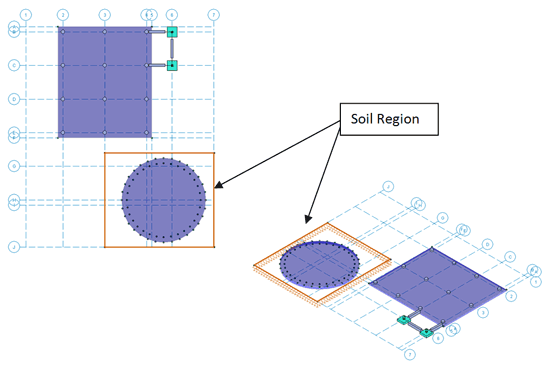
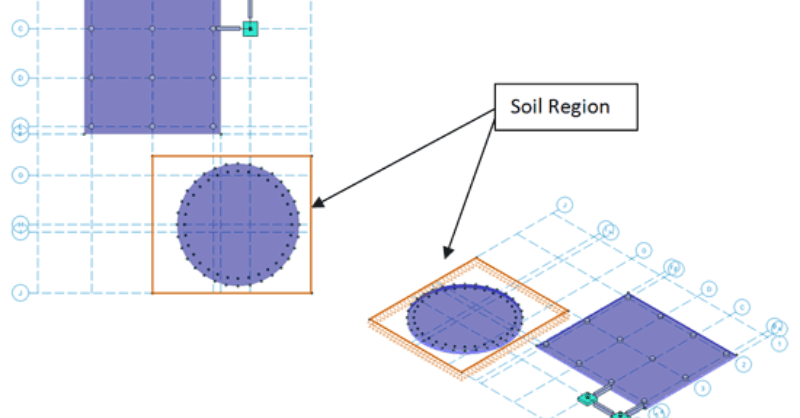
This can be achieved by applying additional Soil Regions to your model. Simply select Soil Regions from the Insert menu, enter in the differing soil properties, and draw in the region. When completed the soil region will be displayed in orange.
Please also note that a Soil Region may be used to model a location where there is no soil resistance. For example, if you have a portion of your foundation that does not bear on the soil, you can use a Soil Region drawn under that portion to model the gap. Simply set the Subgrade Modulus to 0 and the Allowable Bearing Pressure to something very small (since the program will not allow a zero input):
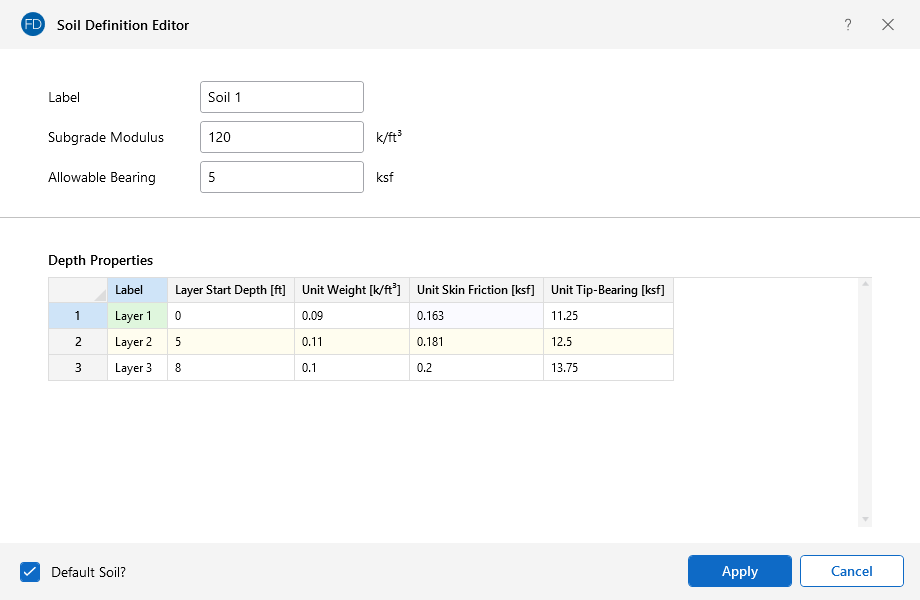
With Pile Design in RISAFoundation, you have the ability to define the default soil properties for the entire model. But also the Soil Definitions...
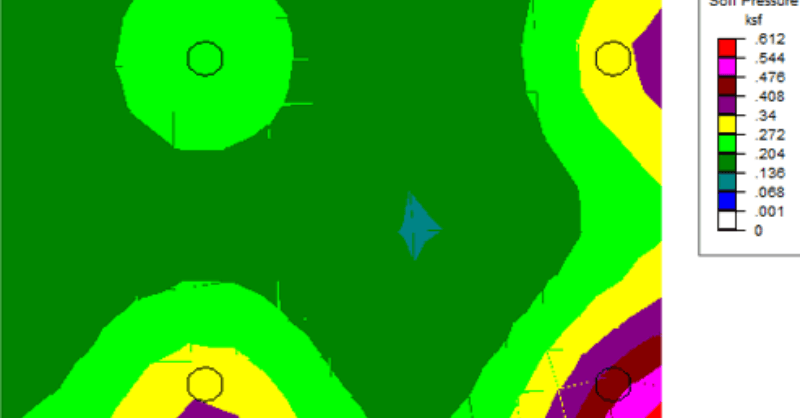
RISAFoundation has the capability to report soil bearing pressures, and check them against allowable pressures.
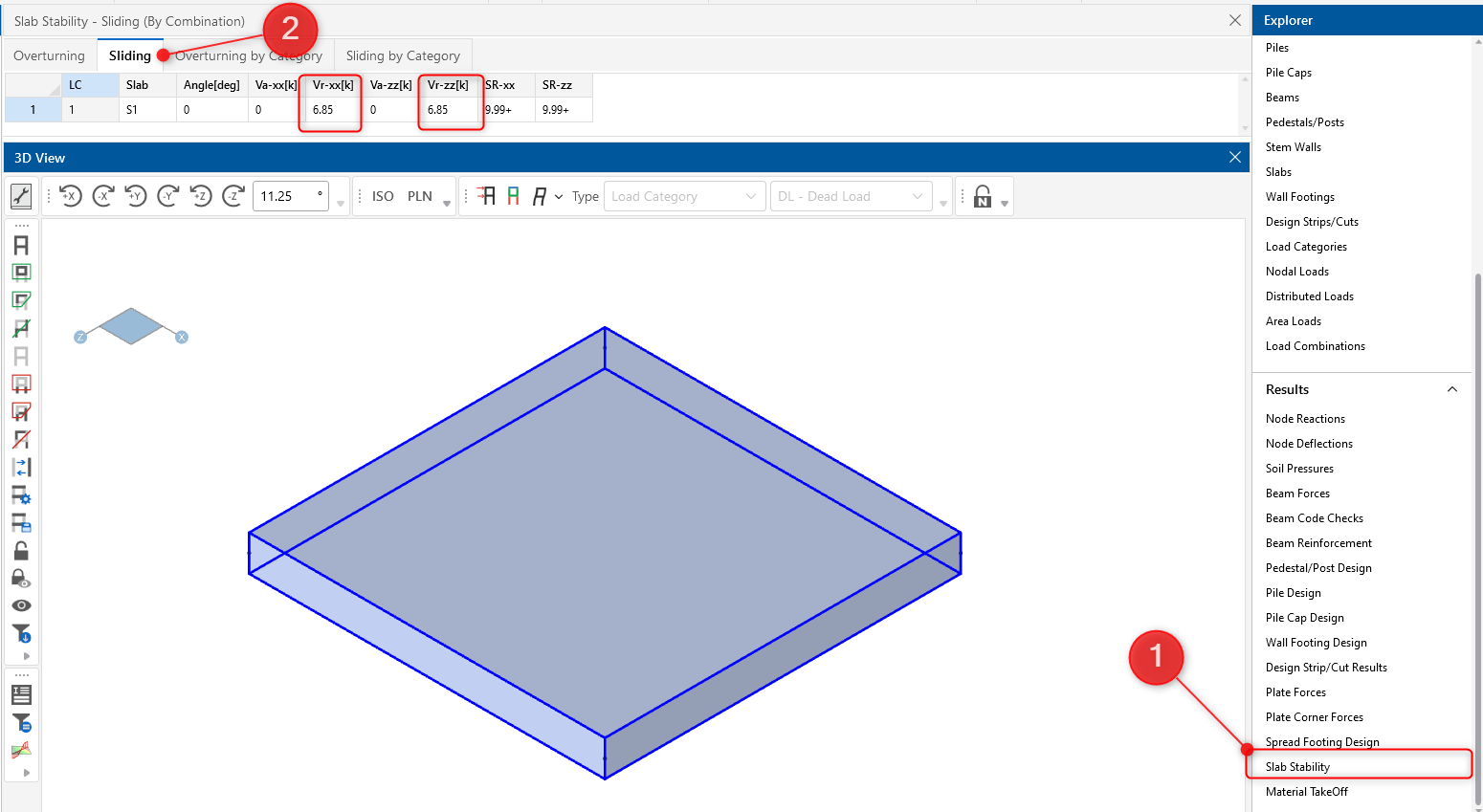
RISAFoundation includes the added ability to enter a passive pressure for slabs. The passive pressure represents soil pressure along the perimeter...