 By: Admin

Using Virtual Joist Girders in RISAFloor
The Steel Joist Institute (SJI) has recently put together a Virtual Joist Girder table which converts common joist sizes into equivalent wide...

Try the Complete RISA Suite for
10 Days FREE

RISA Education

Video Library

Online Help

Get Support

About Us
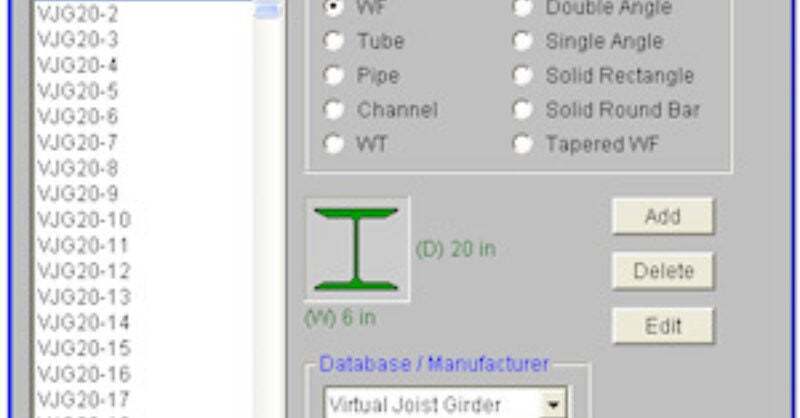
The Steel Joist Institute (SJI) has recently put together a Virtual Joist Girder table which converts common joist sizes into equivalent wide...

One of the most overlooked design criteria for commercial buildings is the tendency of the floor system to bounce or vibrate due to human...
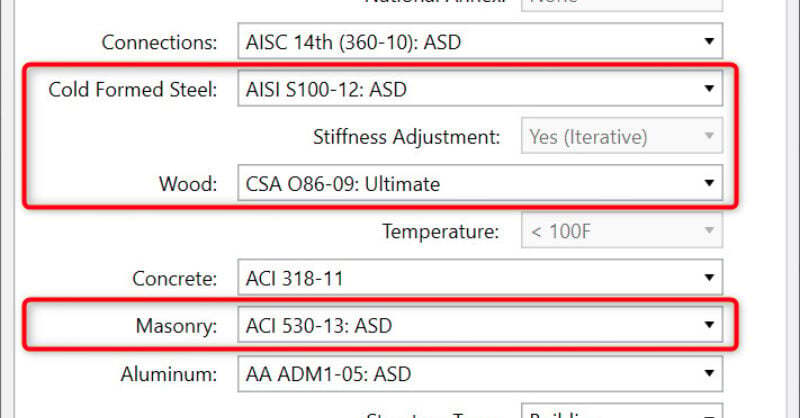
New codes have been added to RISA-3D v13 and RISAFloor v9, these include: AISI S100-12: Cold-Formed Steel Design Code CSA 086-09: Canadian...