 By: Admin
CSA A23.3-14 Canadian Concrete Code now Available
The CSA A23.3-14 code has been implemented in RISA-3D v15.0, RISAFloor v11.0, and RISAFoundation v9.0.

Try the Complete RISA Suite for
10 Days FREE

RISA Education

Video Library

Online Help

Get Support

About Us
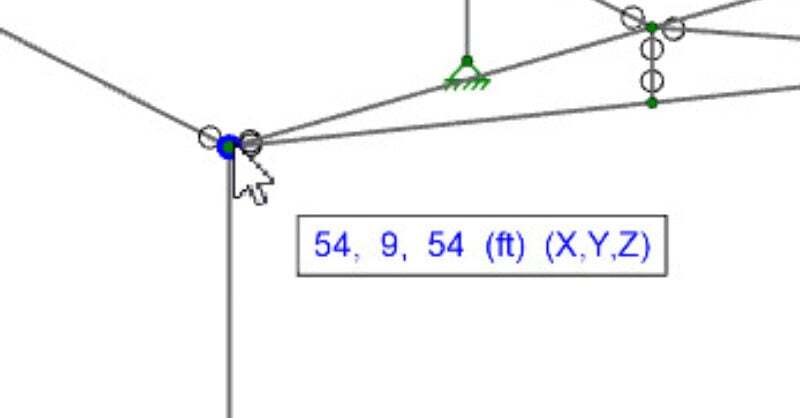
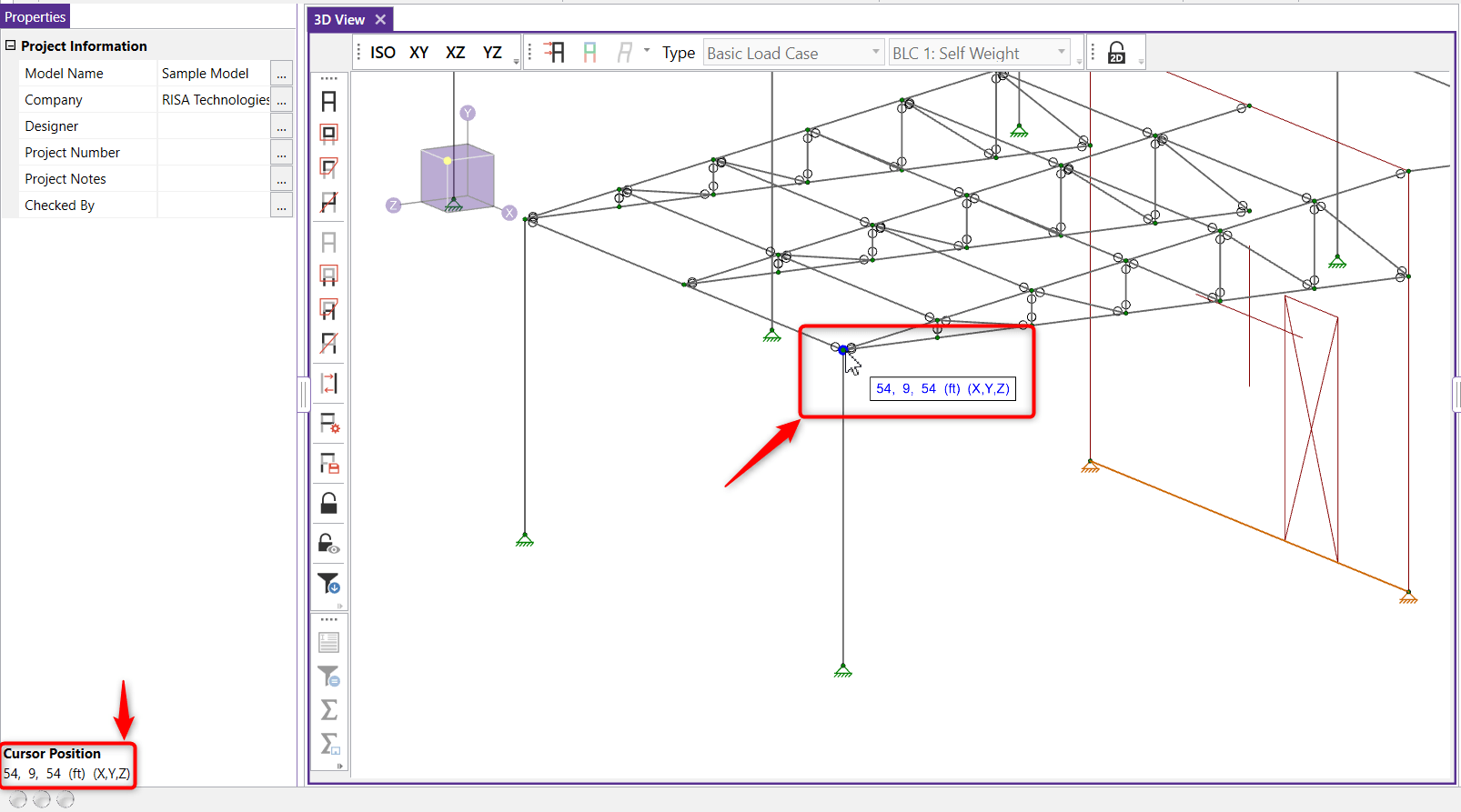
In RISA-3D, RISAFloor, and RISAFoundation the cursor now provides additional information regarding the cursor coordinates. As you move your cursor around on your screen, a box adjacent to your cursor will appear and populate with the coordinates of the cursor.
The mouse coordinates that are displayed are the coordinates of the grid point or joint that is nearest to the cursor. These are the same coordinates displayed in the Status Bar.
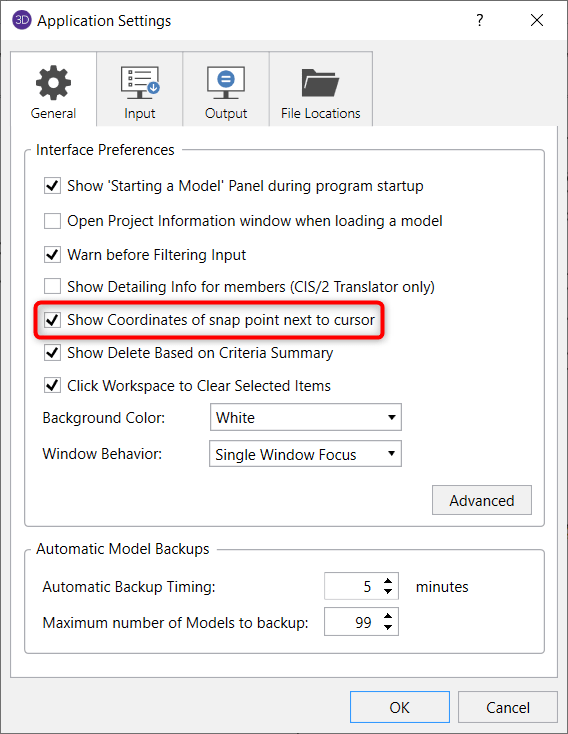
If you would like to view the coordinates using your cursor then you can toggle this new feature by going to File-Application Settings and on the General tab check click the check box to Show current location coordinates next to cursor.
The CSA A23.3-14 code has been implemented in RISA-3D v15.0, RISAFloor v11.0, and RISAFoundation v9.0.

The new ACI 318-14 code has been implemented into RISA-3D v14, RISAFloor v10, and RISAFoundation v8.
The new ACI 318-19 concrete code has been implemented into RISA-3D v19, RISAFloor v15, RISAFoundation v13 and RISA-2D v19.