 By: Admin
How Do I Investigate My RISA-3D Model Using the Deflected Shape?
When your RISA-3D model is not behaving as you anticipated, one of the best tools you have is viewing the deflected shape. Displaying the...

Try the Complete RISA Suite for
10 Days FREE

RISA Education

Video Library

Online Help

Get Support

About Us
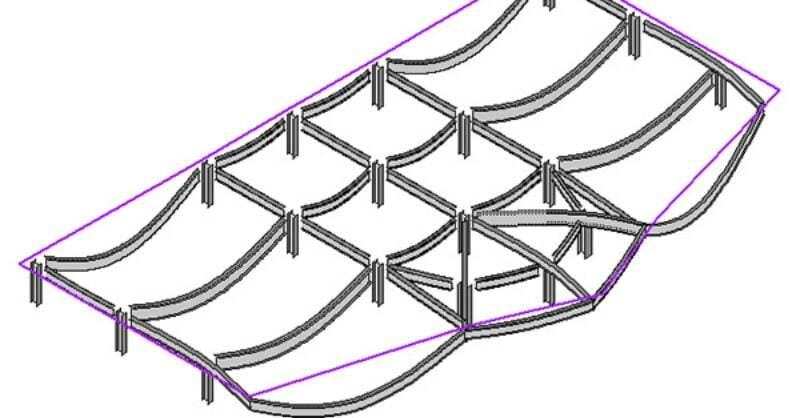
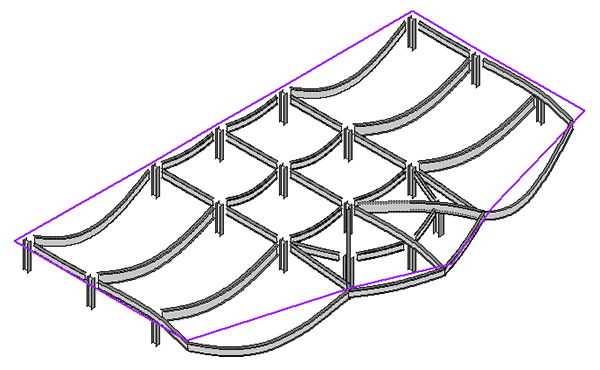
The deflected shape is really helpful to understanding your model’s behavior.
You can view the deflected shape of your model in RISAFloor. Just change the view to the Isometric view and click on the Deflected Shape Icon. (Note: If you don’t have Deflected Shape Icon, you can add it to your customized toolbar).

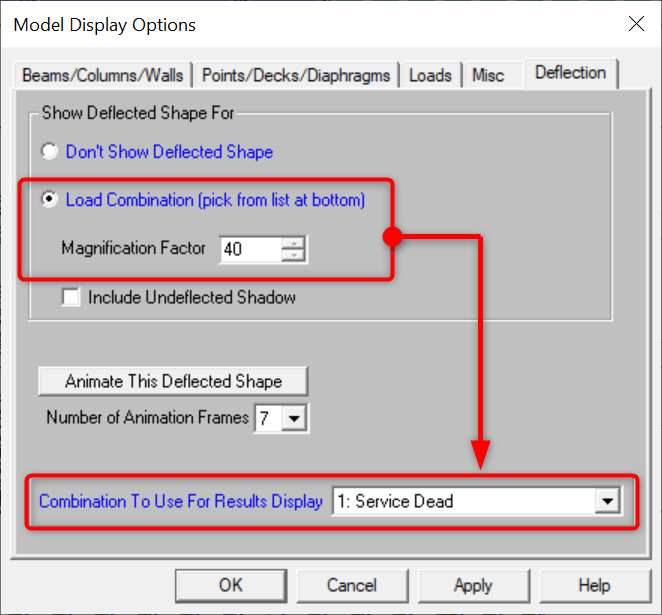
You can also fine-tune the Deflection settings by opening the Plot Options dialog and clicking on the Deflection tab. You can select the magnification factor and Load Combination to show deflected.
When your RISA-3D model is not behaving as you anticipated, one of the best tools you have is viewing the deflected shape. Displaying the...
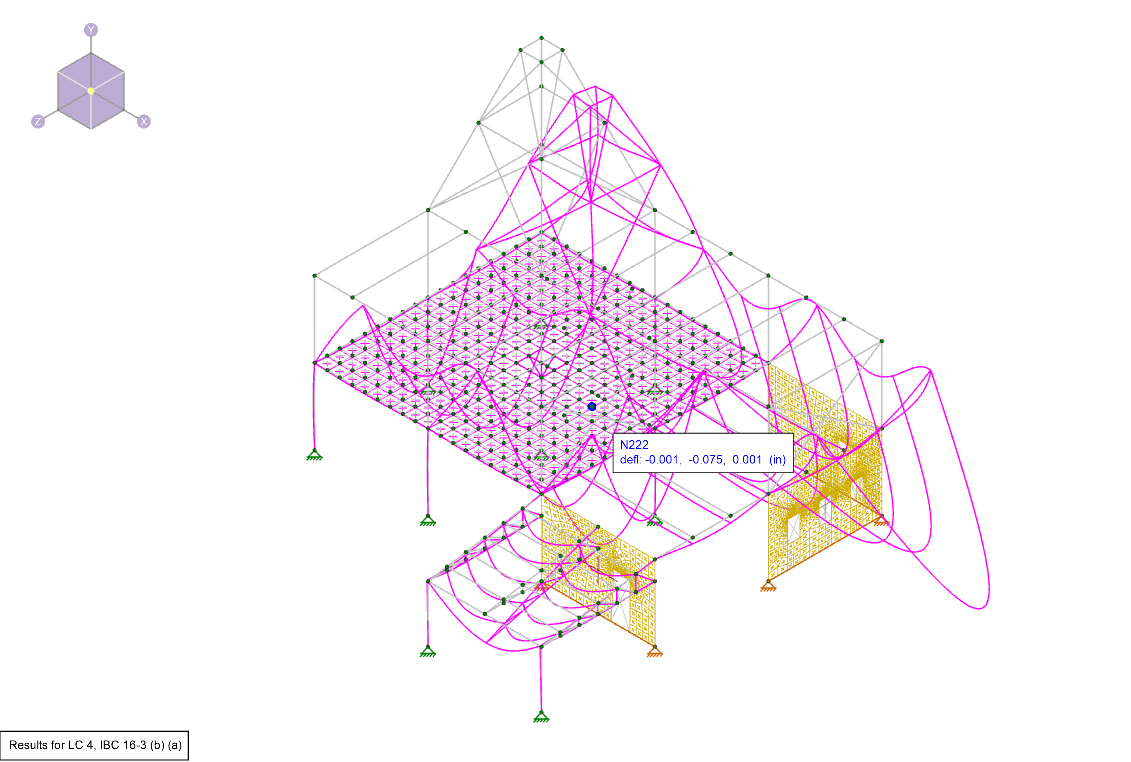
Deflection is a key tool for verifying whether your model was built correctly in RISA-3D. After solving, you can view the deflected shape to...
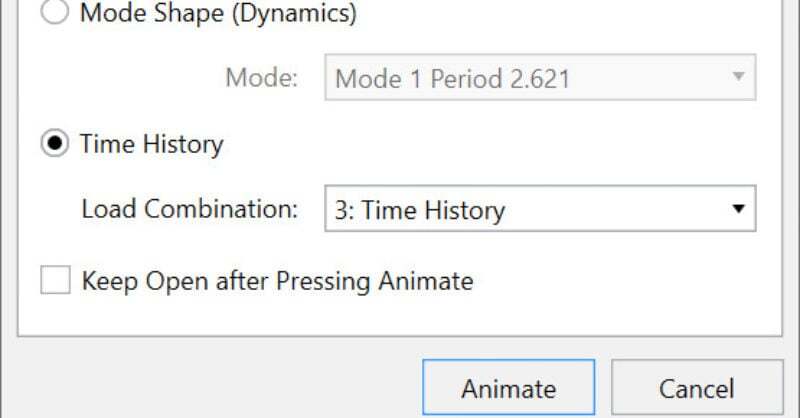
Time history analysis solves for normal analysis results (joint displacements, member forces, code checks, etc.) based on loading that varies with...