 By: Admin

What do the Unbraced Lengths represent?
Understanding unbraced lengths and how RISA software accounts for them is essential in the design of any project. In RISA there are three main...

Try the Complete RISA Suite for
10 Days FREE

RISA Education

Video Library

Online Help

Get Support

About Us
Aside from leaving an unbraced length blank or inputting a fixed distance, you can harness the program’s ability to use a limited intelligence for determining unbraced lengths. In order to do this you can simply type in the name of the Unbraced Length Commands into the unbraced length field.
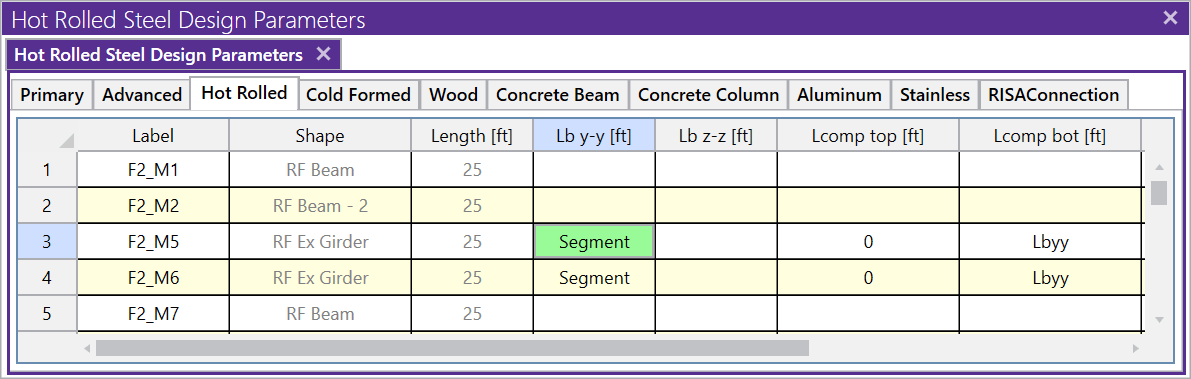
Below are the two most common commands:
When this command is used, all Joints which fall along the length of the physical member are assumed to provide bracing. If Joints are not evenly spaced along the member then an unbraced length is calculated for each “segment”.
A segment is defined as the distance between adjacent Joints. In the example below, the member is defined as one physical member spanning from N1 to N2. The intermediate node N3 is considered as a brace point when Segment is specified for this member. Therefore the forces which occur in Segment 1 will be compared against a capacity calculated using Lb1, and the forces occuring in Segment 2 will be compared against a capacity calculated using Lb2.

When using the Segment command the program will assume that each joint along the length of the member can act as a brace location regardless of whether any bracing or restraint exists. In the example above this will result in an unconservative member capacity if no bracing will be supplied at N3 in real life.
This command is only available for Lcomp-top and Lcomp-bot. When this command is used, the value entered for Lbyy will also be used for Lcomp.

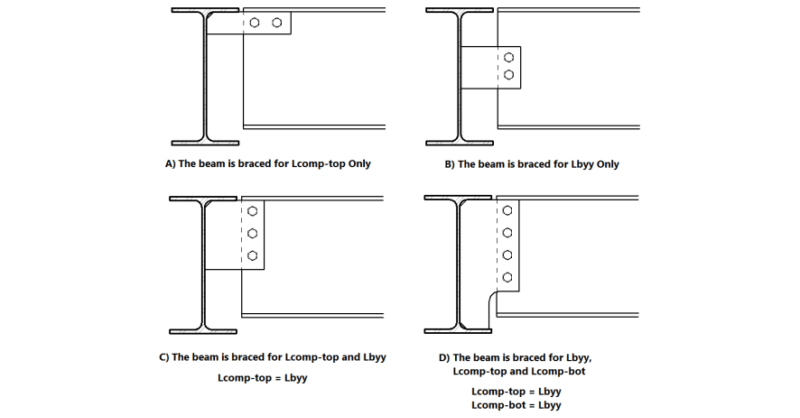
In the example below, Case C, the Lbyy command could be appropriately be used in the Lcomp-top field. In the example below, Case D, the Lbyy command could be appropriately used in both Lcomp fields. It would not be appropriate to use the Lbyy command for Case A or Case B below.

Understanding unbraced lengths and how RISA software accounts for them is essential in the design of any project. In RISA there are three main...
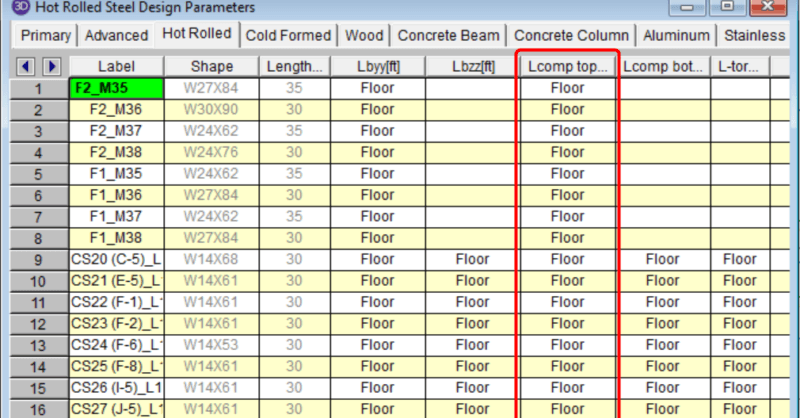
In a RISAFloor model the columns and beams can be assigned unbraced lengths, or the program may calculate them automatically. This unbraced length...
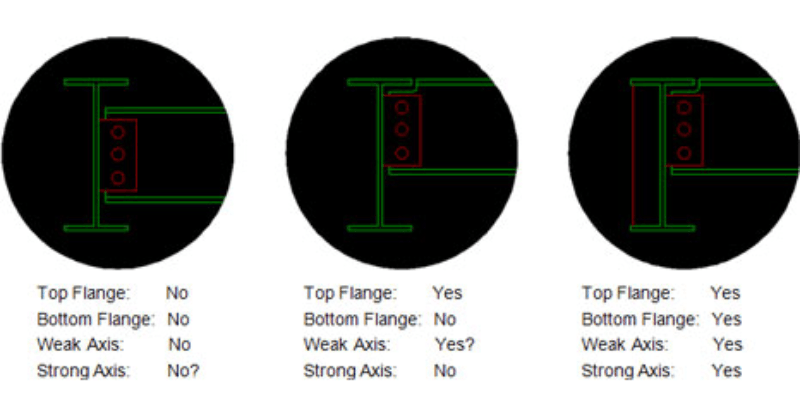
There are four different values for Unbraced lengths in RISA-3D, RISA-2D and RISAFloor. Two are for axial calculations and two are for bending...