 By: Admin
What Loads Transfer from RISAFloor to RISA-3D?
RIAFloor designs the gravity system and then integrates with RISA-3D to design the lateral system. Only the lateral members are taken from...

Try the Complete RISA Suite for
10 Days FREE

RISA Education

Video Library

Online Help

Get Support

About Us
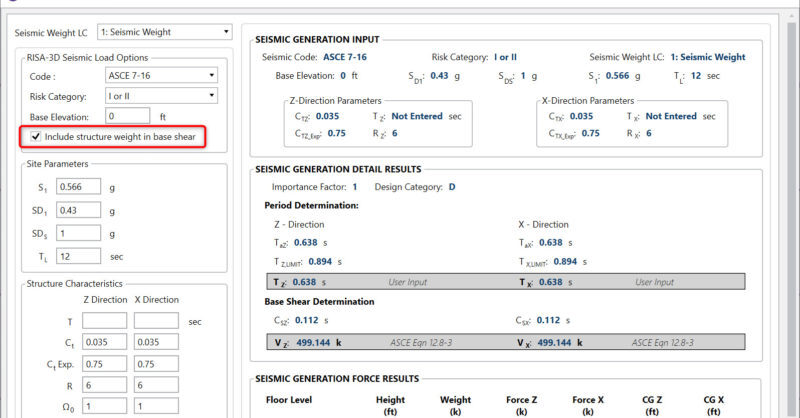
In the Seismic Loads dialog there is a checkbox for “Include structure weight in base shear”.
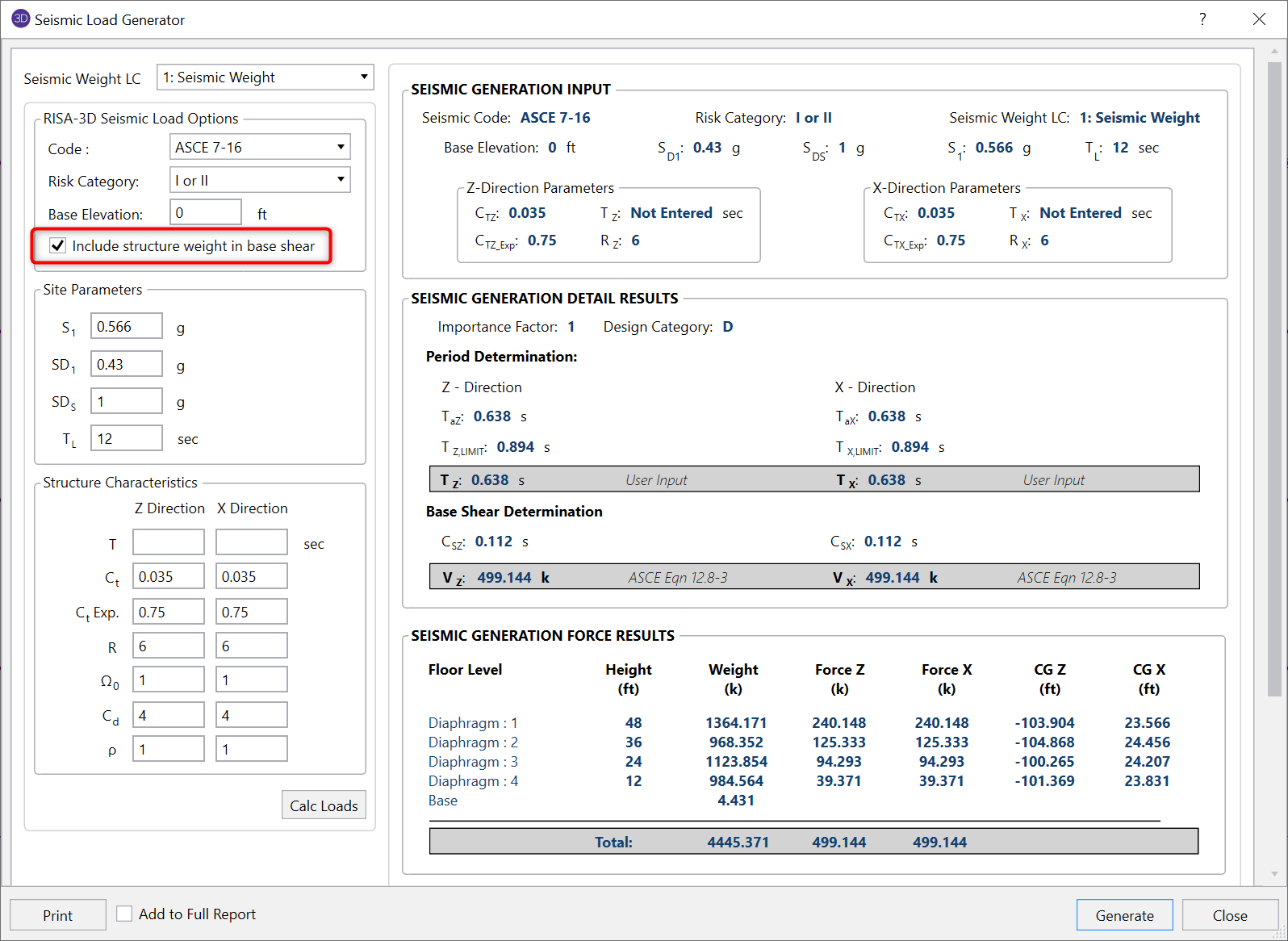
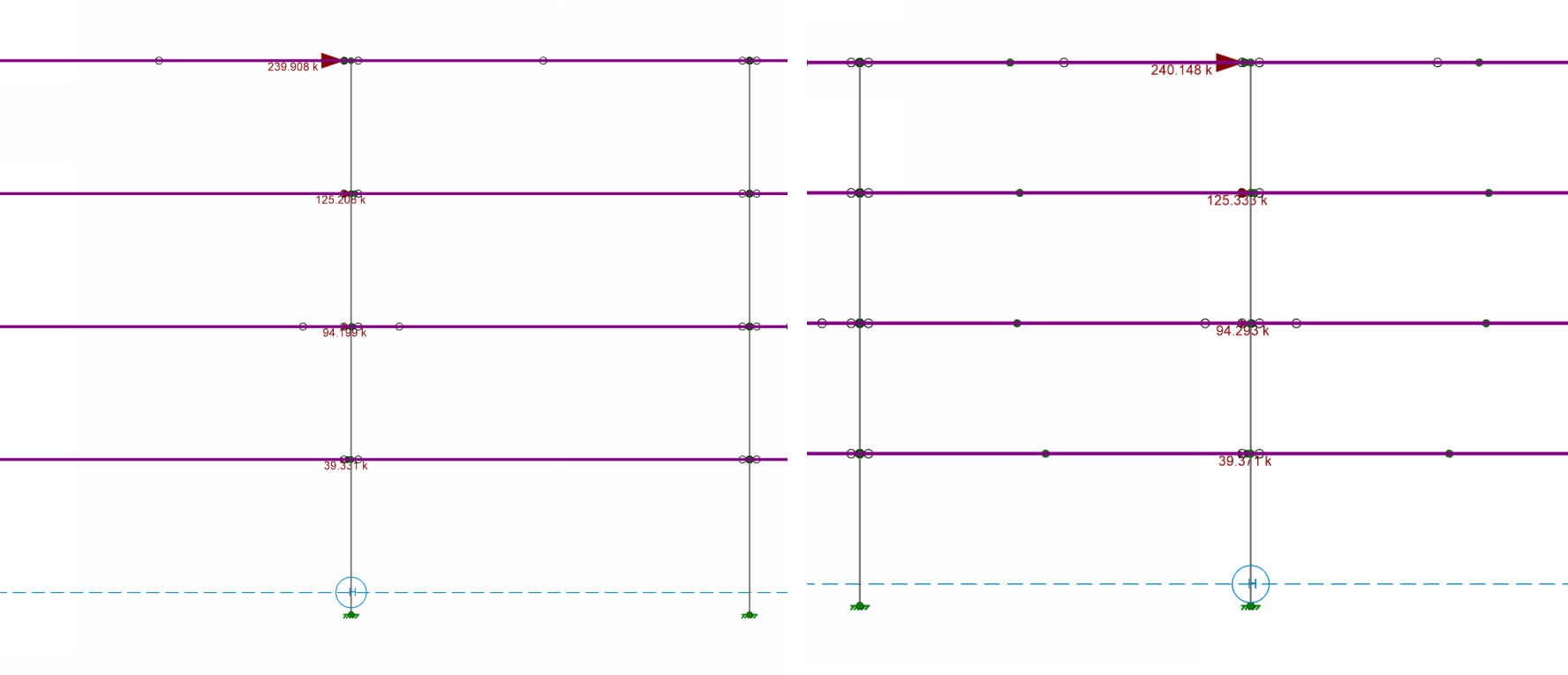
This checkbox gives the option of including the seismic weight that is tributary to the ground to the first floor. For example, let’s look at the elevation of a building frame with diaphragms at each level.
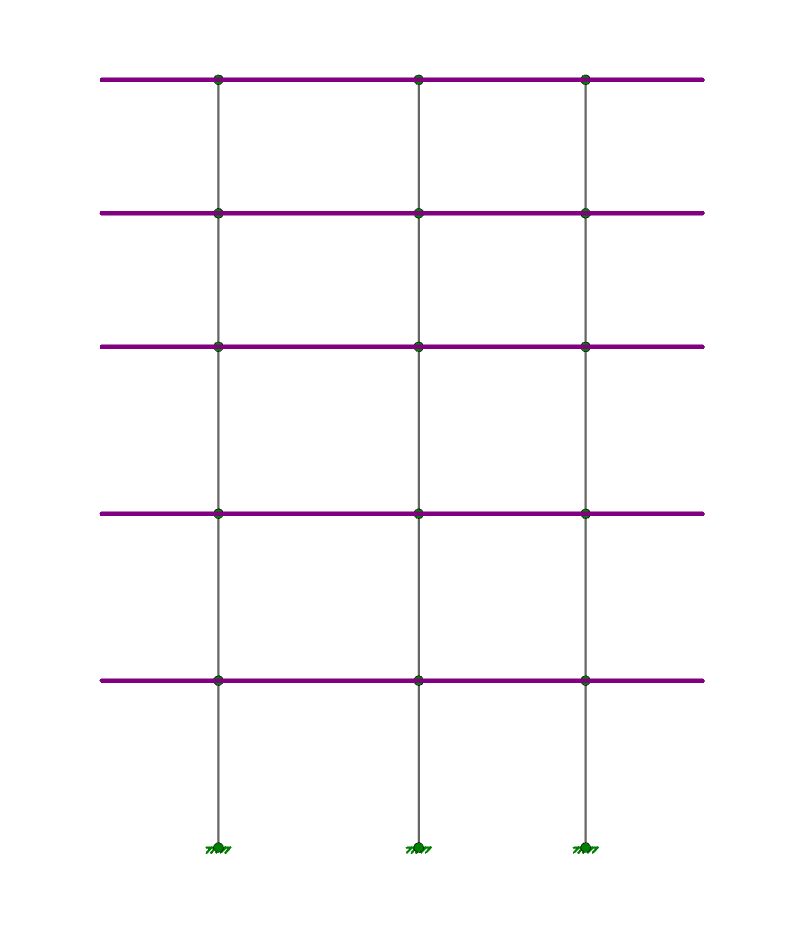
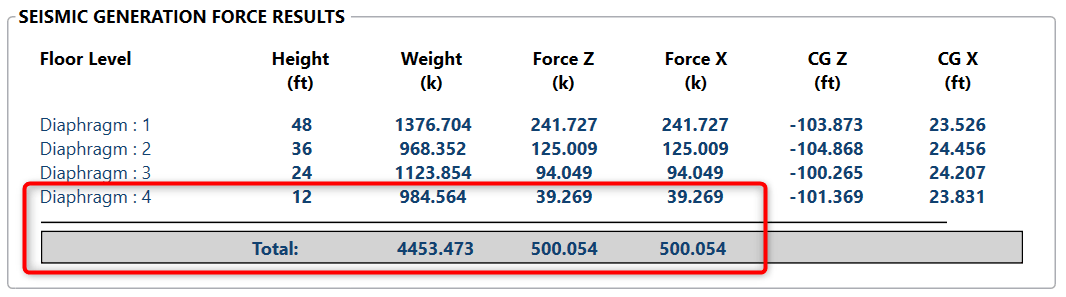
At the lowest level of the structure, by default, the seismic weight of the structure tributary to the ground will NOT be considered in the calculation of seismic loads.
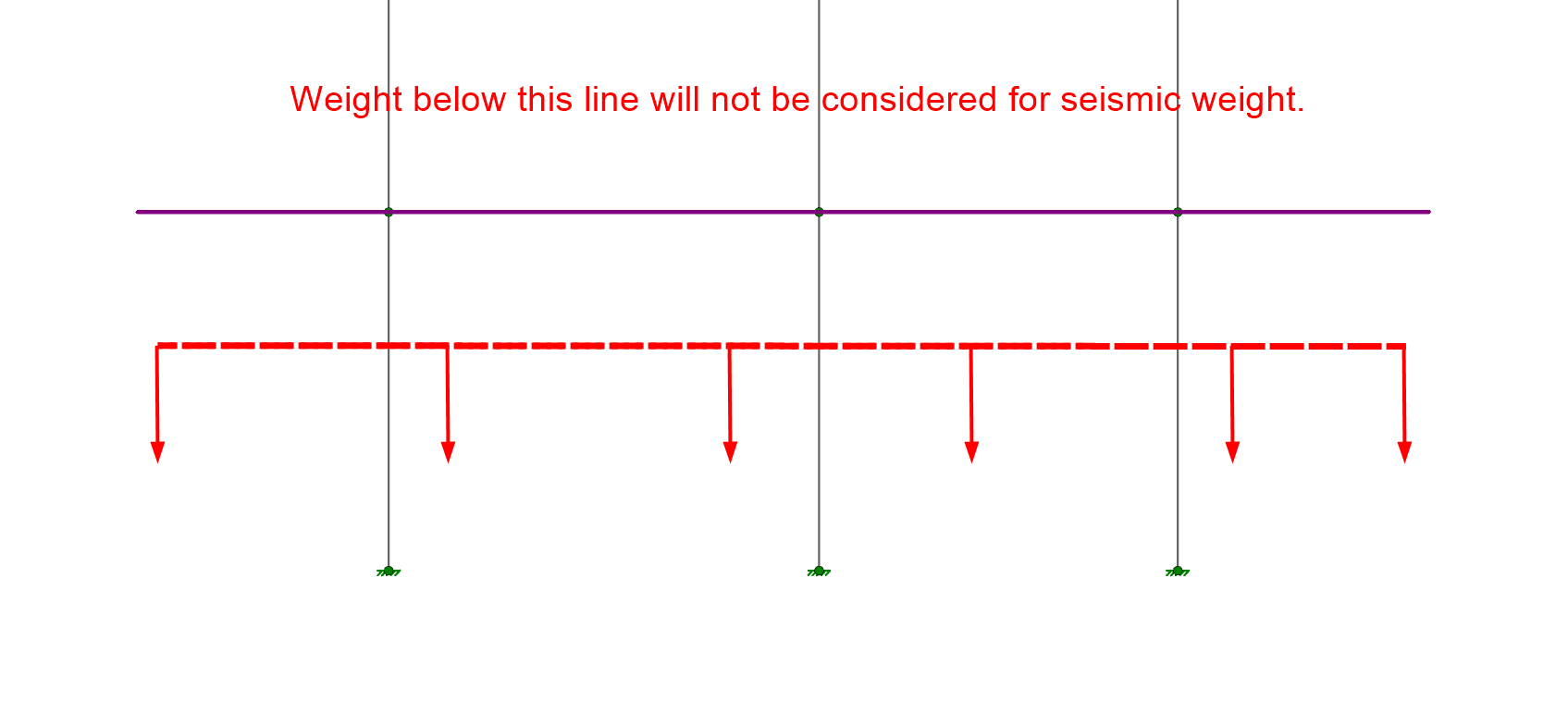
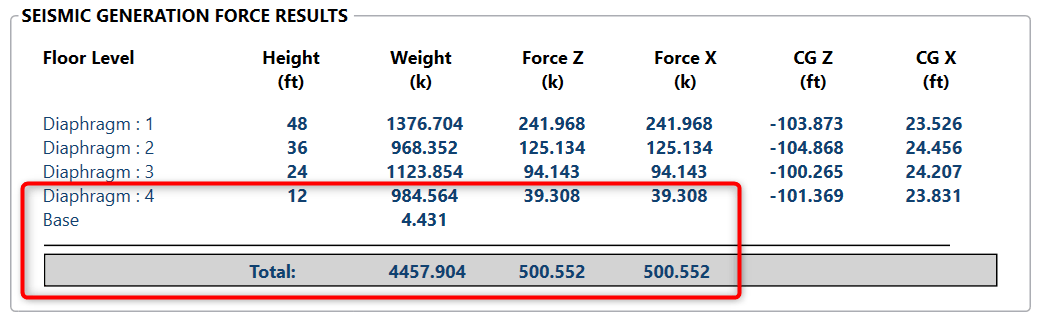
However, if the Include Structure Weight checkbox is checked this weight will get included in the first floor seismic weight and will affect the lateral force calculations for all floors.
Without checkbox:
With checkbox:
RIAFloor designs the gravity system and then integrates with RISA-3D to design the lateral system. Only the lateral members are taken from...

V-Brace frames in RISA-3D seismic design have unbalanced forces shown on both the beams and braces. As brace frames displace under lateral loads,...
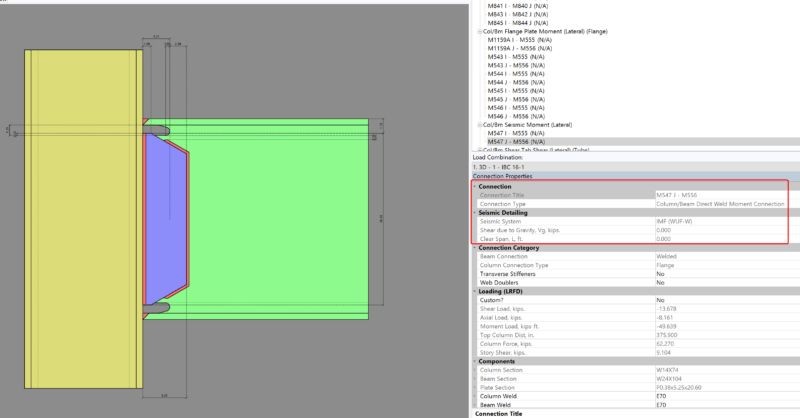
Design for seismic connection detailing is now available in RISAConnection and you can use the connection rules within RISAFloor and RISA-3D to...