 By: Admin
How RISA-3D Calculates Member Deflection Ratios
After solving a model, you will see in the Member Deflections spreadsheet the following deflection ratios:

Try the Complete RISA Suite for
10 Days FREE

RISA Education

Video Library

Online Help

Get Support

About Us
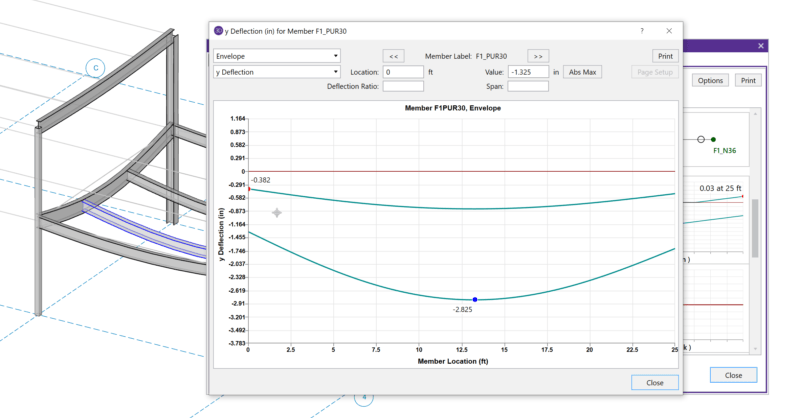
When solving a RISA-3D model with hot rolled steel members under the AISC 360-05 (13th Edition), AISC 360-10 (14th Edition) or AISC 360-16 (15th Edition) codes you may find that your member deflections are roughly 20% larger than you would expect. To understand why see the AISC 360-10 Specification, Section C2.3.1:
“A factor of 0.80 shall be applied to all stiffnesses that are considered to contribute to the stability of the structure”
By applying this 0.80 factor to the axial and flexural stiffnesses of the members (EA and EI respectively) the deflections for those members increase by approximately 20%. This code provision is only intended to be applied to members that contribute to the stability of the structure though, such as moment frames and braced frames.
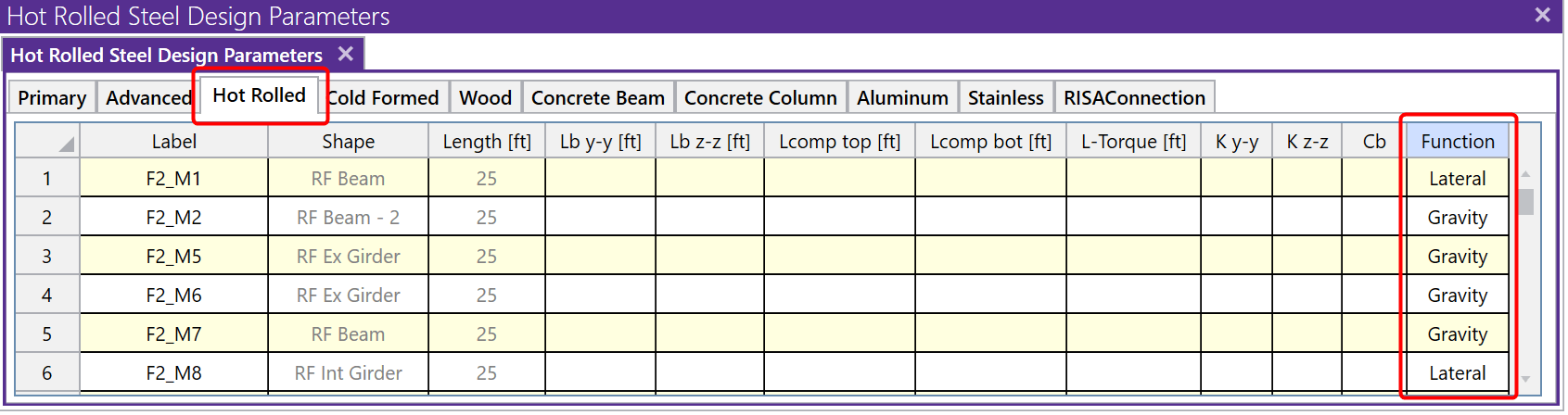
Since RISA-3D does not inherently know which members in a model are contributing to stability (i.e. moment frames) versus which members are simply present to carry gravity loads (i.e. floor joists) the program conservatively defaults to applying this stiffness adjustment to all hot rolled steel members when using the AISC 360-05 (13th Edition), AISC 360-10 (14th Edition) or AISC 360-16 (15th Edition) codes. This occurs because those members are assigned the Lateral Function when drawn. To disable this adjustment for certain members in a model you can set their Function to Gravity under the Hot Rolled tab of the Members spreadsheet.
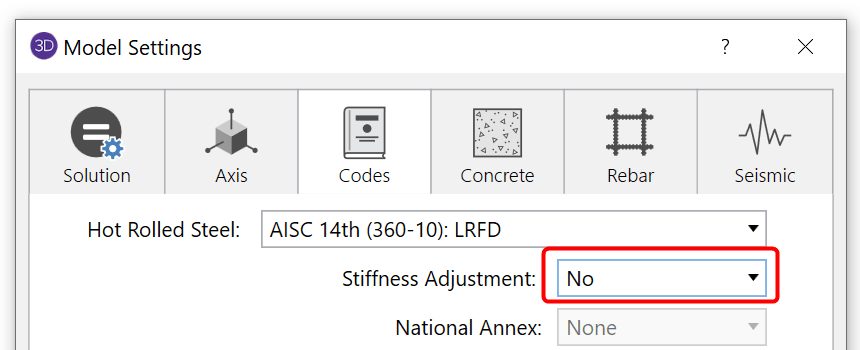
For models where this stiffness adjustment is unnecessary altogether, such as models of gravity systems where lateral stability considerations are being ignored, this adjustment may be turned off altogether in the Global Parameters under the Codes tab.
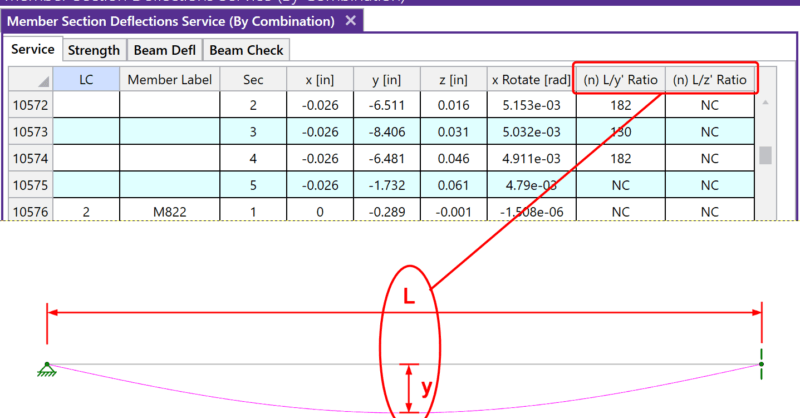
After solving a model, you will see in the Member Deflections spreadsheet the following deflection ratios:
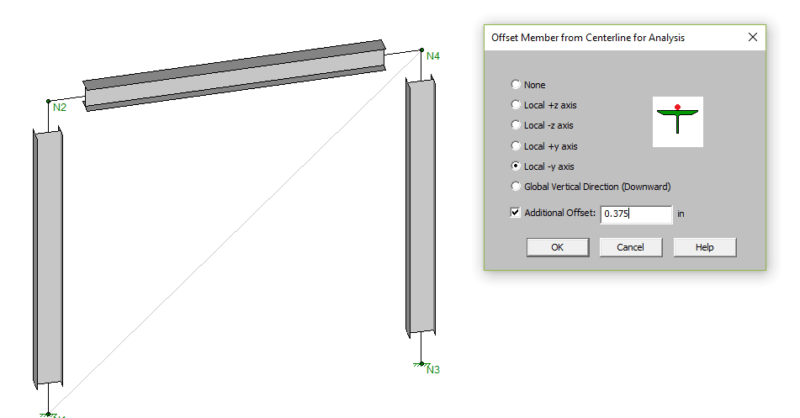
RISA-3D v15 includes "analysis offsets" which moves the centroid of the member for analysis allowing for flexibility in how members are designed....
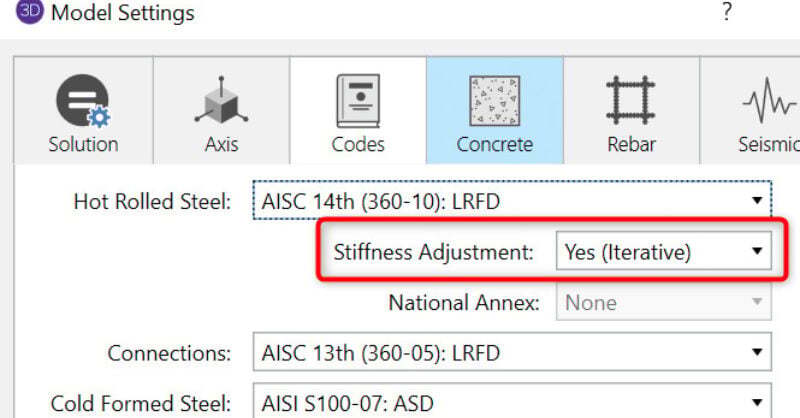
When solving a RISA-3D model with hot rolled steel members under the AISC 360-05 (13th Edition) or AISC 360-10 (14th Edition) codes you may find...