 By: Admin
How to Get a Code Check for Custom Cold Formed Steel Shapes
In order to get code calculations, RISA-3D and RISA-2D need to know what type of shape would be most similar to yours. This is because the program...

Try the Complete RISA Suite for
10 Days FREE

RISA Education

Video Library

Online Help

Get Support

About Us
When using RISA Integration between RISASection and RISA-3D, RISA-2D and/or RISAFloor, there are a few common mistakes that people make when attempting to access the RISASection files from the Shape Database.
Common RISASection Mistakes:
1. Be sure to give both the Section Name and the File Name unique labels. Each RISASection file can contain multiple Sections so it is important to give them all individual names. Both the Section names and the File names show up in the Shape Database, so you will be able to see what Sections are contained in each File.
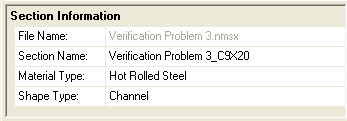
2. Make sure that you have properly assigned each Section a Material Type and Shape Type. Your Section will show up in the proper location of the Shape Database depending on these designations.
Common RISA-3D/2D/Floor Mistakes:
1. Make sure that you are running version 9.1.1 or higher of RISA-3D, version 5.1.1 or higher of RISAFloor, or version 10.1 or higher of RISA-2D. The new integration with RISASection v2 is only available in these versions or newer.
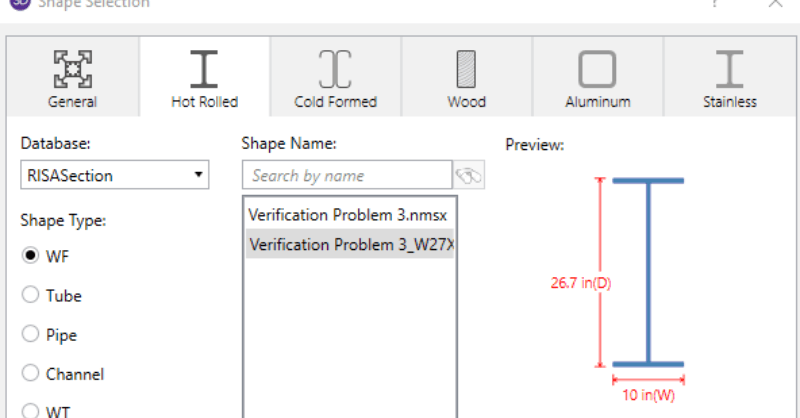
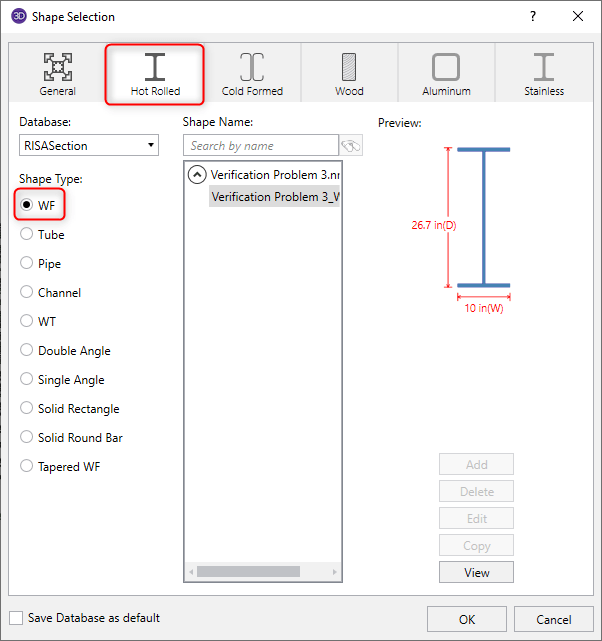
2. Make sure that you have selected the correct Material tab (General or Hot Rolled), and Shape Type, as assigned in RISASection.
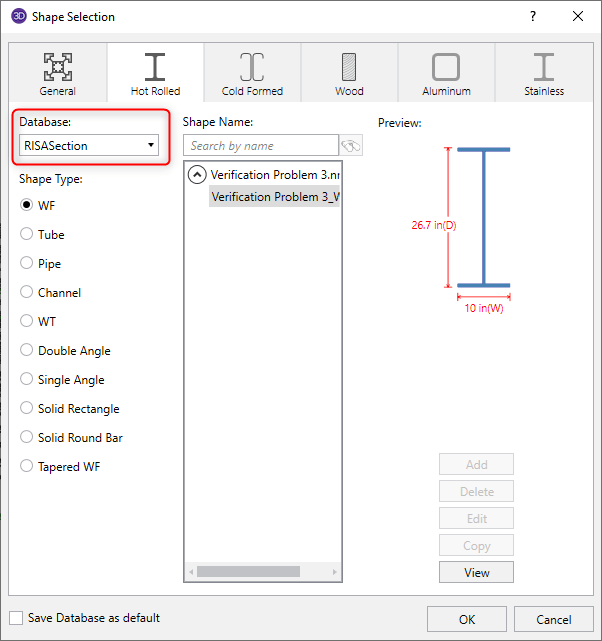
3. Make sure that you have RISASection selected from the Database/Manufacturer menu.
4. Go to Tools > Application Settings > File Locations and check the location for RISASection files. Make sure that you have saved your RISASection files to this location since RISA-3D/2D/Floor will only search for RISASection files in this directory.
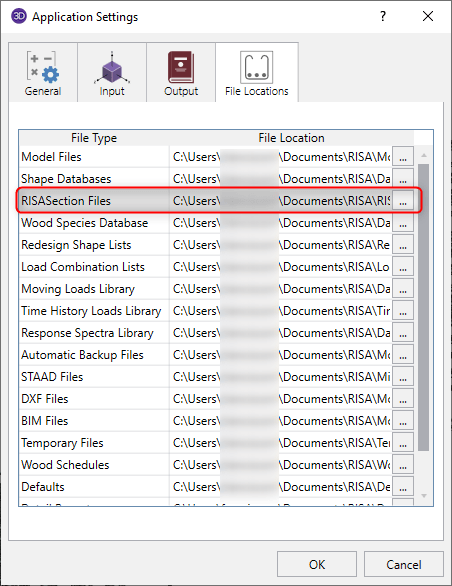
5. RISA-3D/2D/Floor only read in RISASection files when the program is first launched. Therefore, be sure to close and restart the program after creating and saving the file in RISASection.

In order to get code calculations, RISA-3D and RISA-2D need to know what type of shape would be most similar to yours. This is because the program...
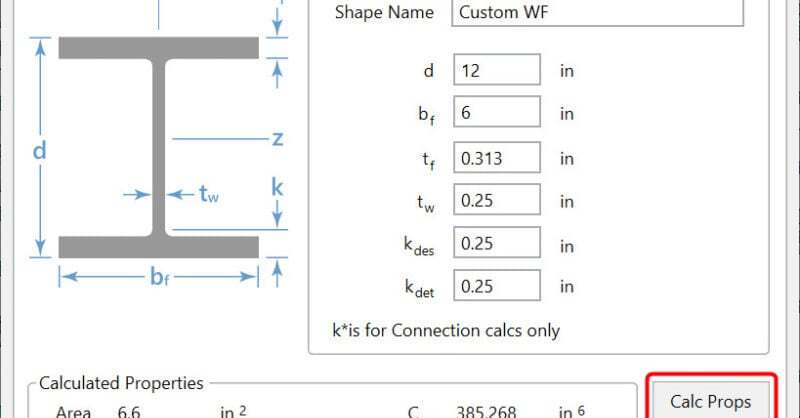
There are multiple options in RISA-3D and RISAFloor to create a custom shape not available in the program databases. The first, is to utilize...
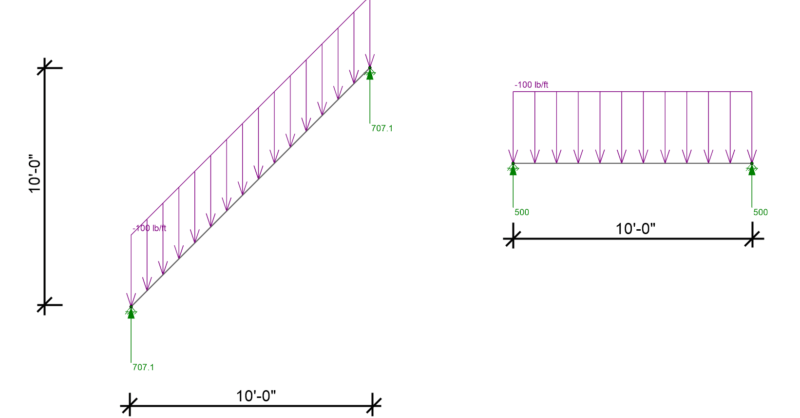
RISA-3D, RISA-2D and RISAFloor have the capability to project distributed and area loads onto members. Consider the case of snow load on two...