


 By: RISA
CSA O86-14 Canadian Wood Code now Available
The new CSA O86-14 code has been implemented in RISA-3D v15.0 and...
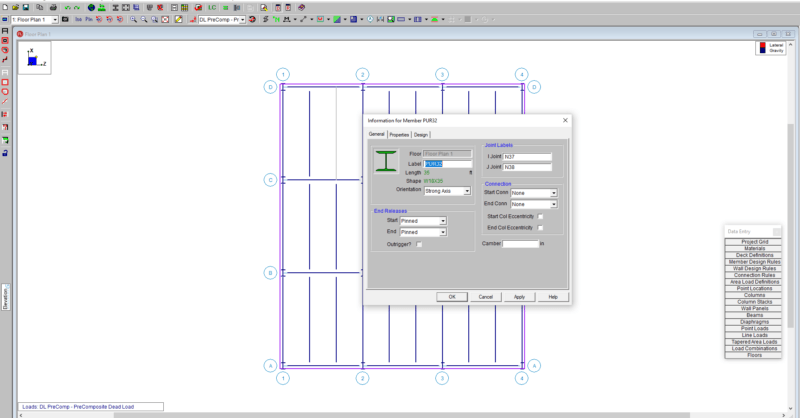
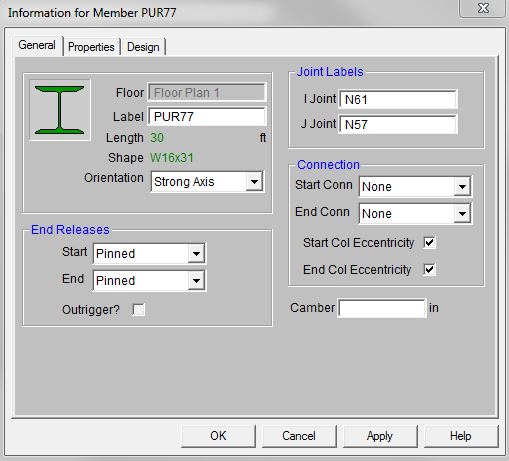
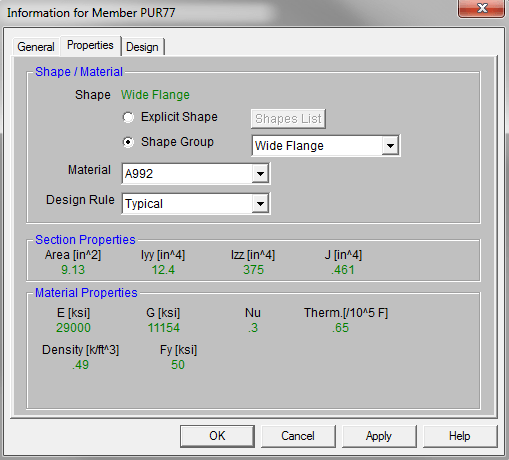
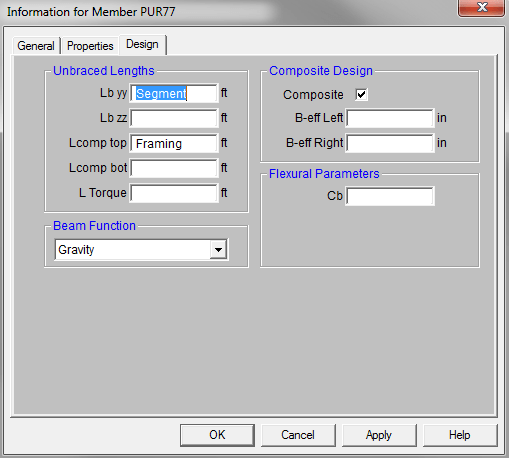
RISAFloor now has the ability to double-click a member to open the Member Information dialog. This feature has been in RISA-3D but now it is available in RISAFloor. Double click any member in your model and the Member dialog box opens. It has three tabs: General, Properties and Design.
All the same information is in the Members spreadsheet but now you can quickly access the member properties for a single member using the double-click feature.
The new CSA O86-14 code has been implemented in RISA-3D v15.0 and...
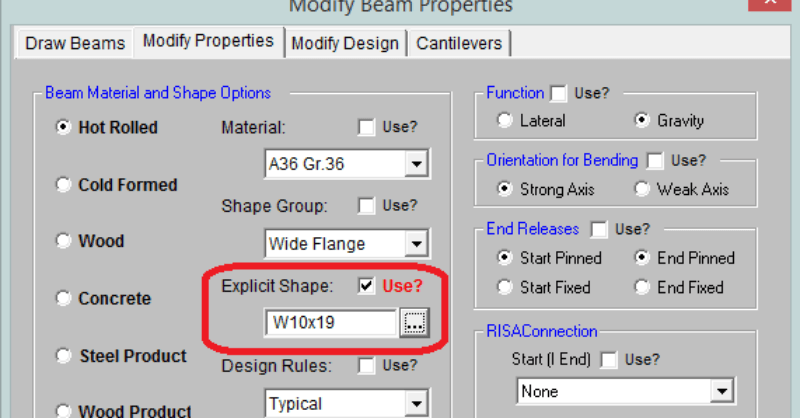
RISAFloor is a design program in which it takes basic shape criteria...
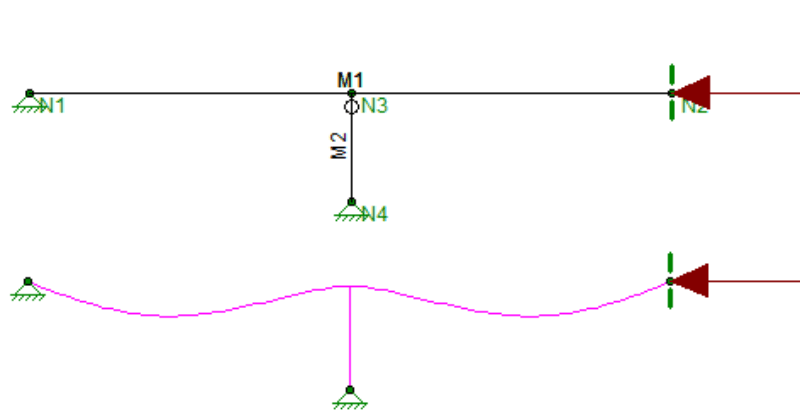
The axial compression and flexure strength of beams and columns is...