


 By: RISA

How Do I Investigate My RISA-3D Model Using the Deflected Shape?
When your RISA-3D model is not behaving as you anticipated, one of the...
If you have ever tried to solve a two-dimensional model in RISA-3D, you have ultimately run into instabilities in your model because your model has no out of plane restraint.
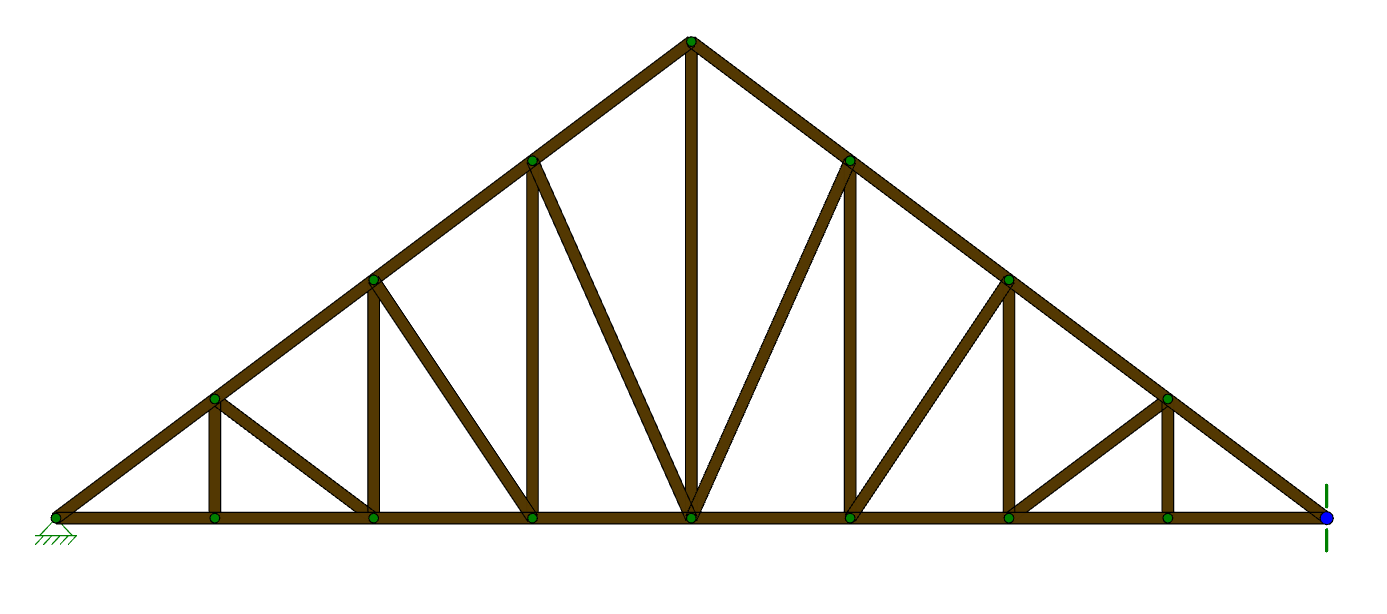
To quickly lock your model out of plane, RISA-3D offers the ALL command in the Boundary Conditions spreadsheet. Type All in the Node Label cell and Reaction in the Z direction cell. This will restrain all nodes in your model from any translation in the Z direction.
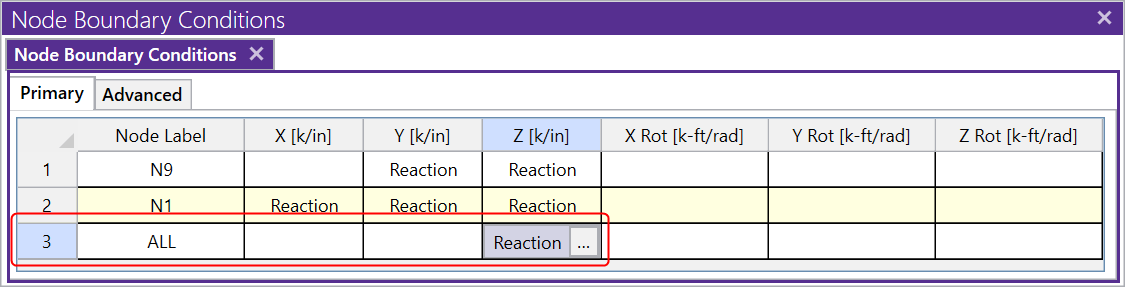
This command will add a boundary condition to every joint for the translation or rotation that you specify. You will not see these boundary conditions graphically, but solving will show the instabilities are gone.
When your RISA-3D model is not behaving as you anticipated, one of the...
While RISA-3D (or RISA-2D) does not have an explicit tool to punch a...

There are several tips to modeling X-Bracing within RISA-3D that can...