Importing a DXF File into RISA-3D

Importing a DXF File into RISA-3D

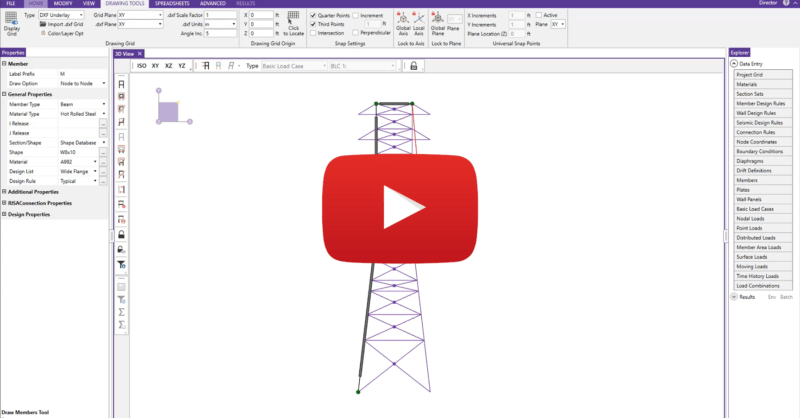
RISA-3D allows users to import dxf files directly from software like AutoCAD, Microstation and ArchiCAD. Upon import, the files can be used either as a dxf underlay, giving the user the ability to trace complex geometry in RISA-3D or as a direct import in order to convert members and plates into native RISA-3D elements. For more information, review the video below.

You may also be interested in

 
RISA-3D v18.0.2 Released
FEBRUARY 06, 2020

RISA-3D v18.0.2 Released

We have been working diligently over the last few weeks to add the...
Read More
RISA-3D v18.0.3 Released
MARCH 04, 2020

RISA-3D v18.0.3 Released

Over the last few weeks, we have been working hard to add the features...
Read More
Import DXF Drawing Grid in RISAFloor
JANUARY 07, 2013

Import DXF Drawing Grid in RISAFloor

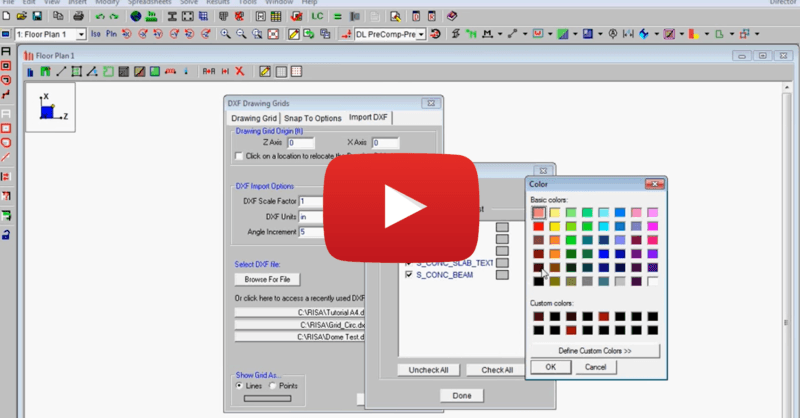
This video shows how to import a DXF as a drawing grid in RISAFloor. To...

Read More