


 By: RISA
Exclude Results based on Selection in RISAFloor and RISAFoundation
New to RISAFloor and RISAFoundation is the ability to exclude results...
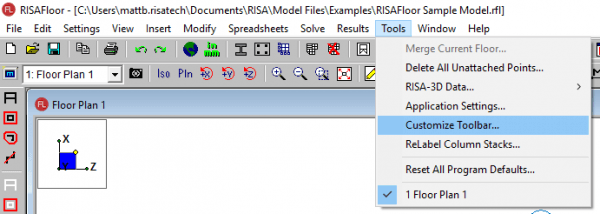
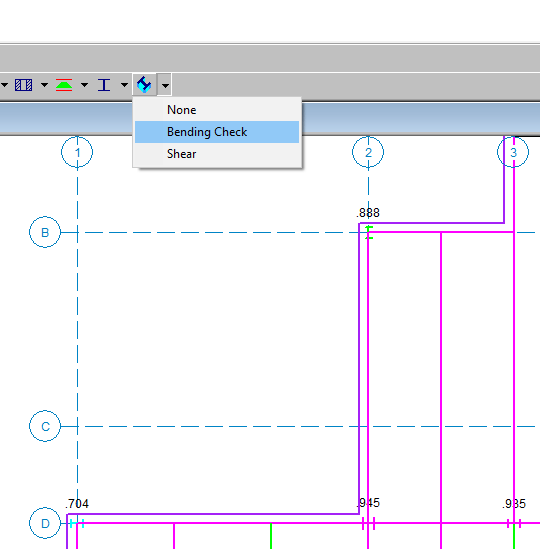
RISAFloor column results are available in the results spreadsheets, but you may not be aware that you can also graphically review the input and results of columns. To do this you need to customize your toolbar, which is an option available in the Tools menu:
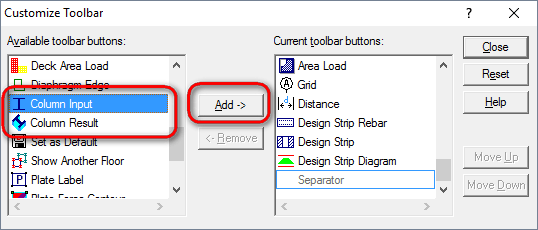
Add the Column Input and Column Result buttons to your toolbar:
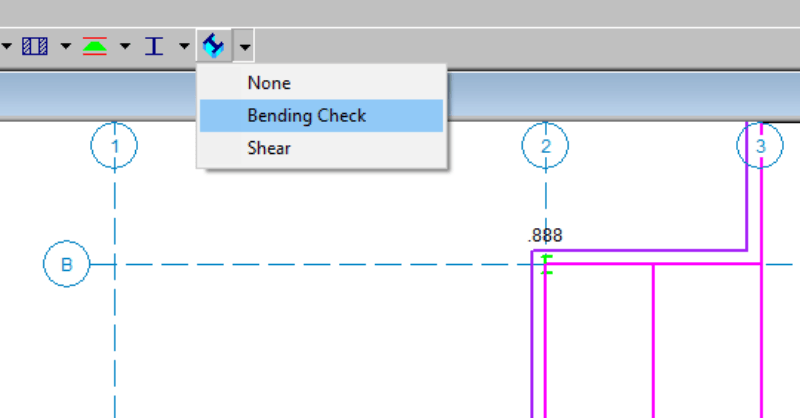
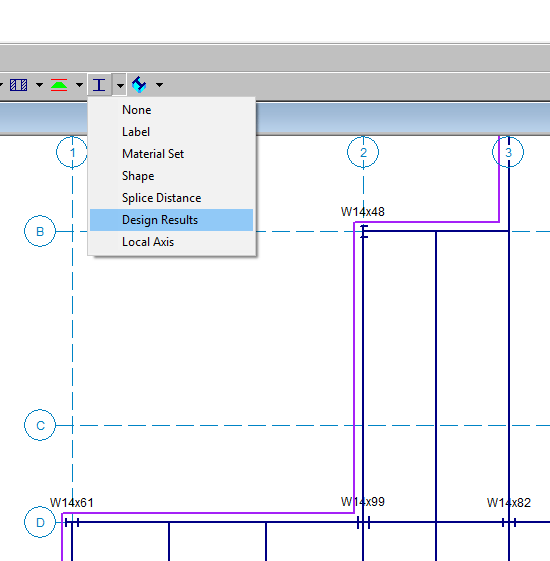
The column input and column results buttons will now be available on your toolbar. Click the black drop down arrow to see which sizes were chosen during the member optimization (Design Results) or what the Code Check values are:
New to RISAFloor and RISAFoundation is the ability to exclude results...
The Detail Report is great for reviewing the results and design of one...
This video tutorial will demonstrate how to find quickly review the...