


August 27, 2020
VIDEO: Creating Custom Shapes in RISA-3D
Learn how to build custom steel and concrete shapes using RISASection and then import them into RISA-3D to incorporate them in analysis and design.
Learn how to build custom steel and concrete shapes using RISASection and then import them into RISA-3D to incorporate them in analysis and design.
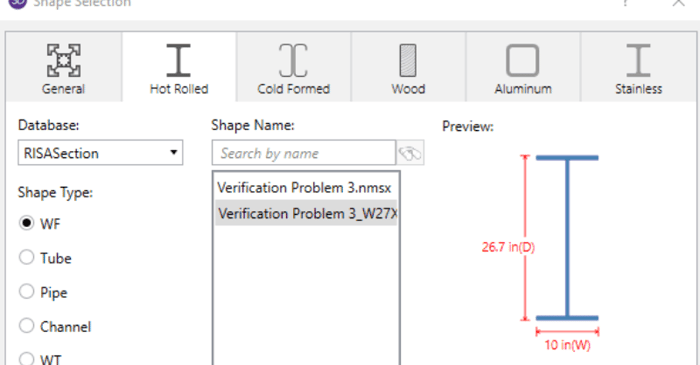
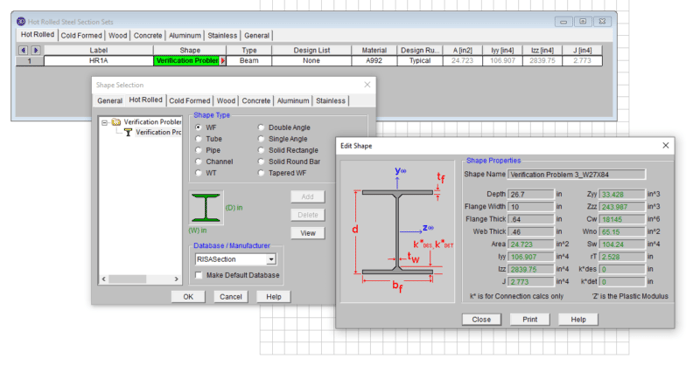
When using RISA Integration between RISASection and RISA-3D, RISA-2D and/or RISAFloor, there are a few common mistakes that people make when attempting to access the RISASection files from the Shape Database.
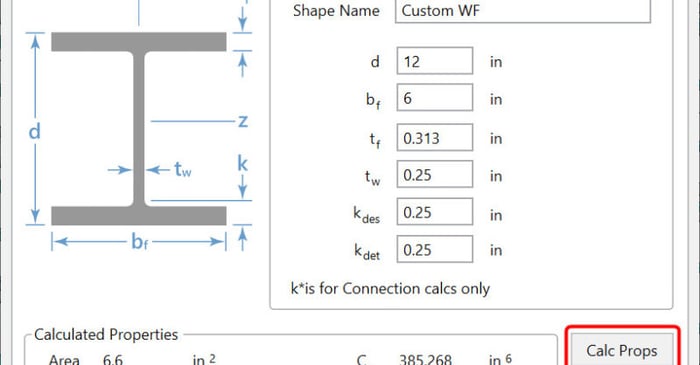
There are multiple options in RISA-3D and RISAFloor to create a custom shape not available in the program databases. The first, is to utilize RISASection in order to create cross-sections, calculate section properties and import the shape directly into RISA-3D. For more information on integrating...
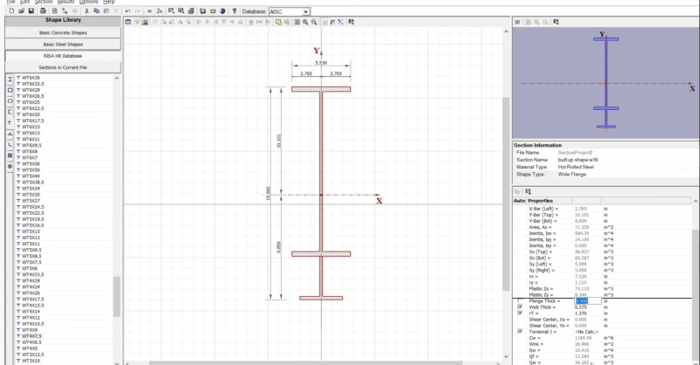
Use RISASection to find the properties of built-up steel sections, then model beams using the same section properties in RISA-3D and get full code-checks using AISC 360. This webinar will teach you how to use RISASection quickly and easily to determine complex section properties.
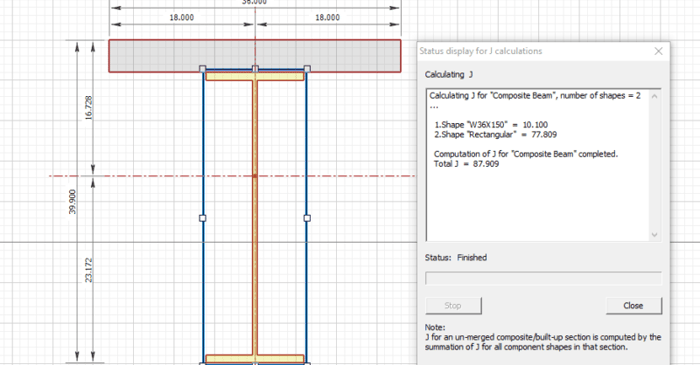
RISASection v2 includes updated torsional shape properties for a more accurate analysis. Check out the video below for more information:
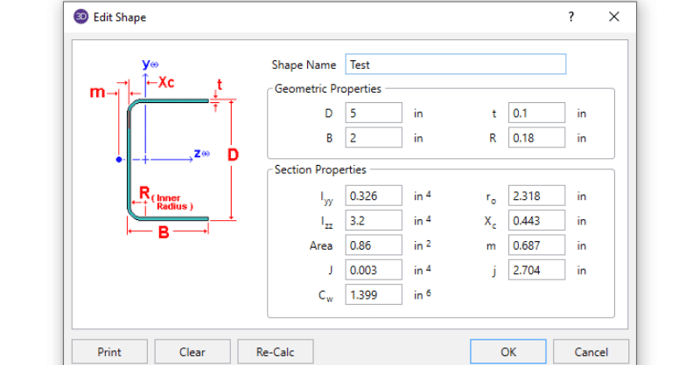
In order to get code calculations, RISA-3D and RISA-2D need to know what type of shape would be most similar to yours. This is because the program needs to use the correct code equations for your shape type.
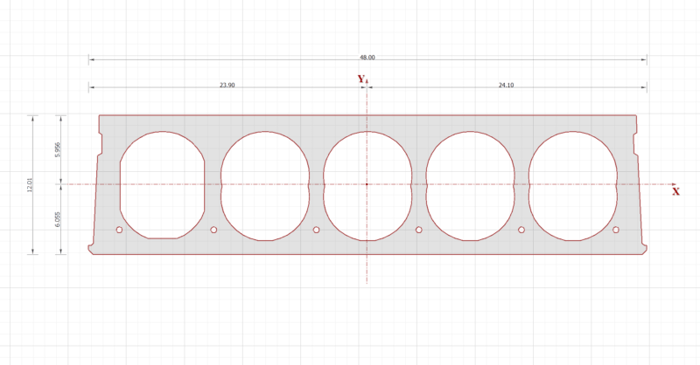
The latest version of RISASection, includes a powerful new DXF import feature. This feature allows the user to import any 2D geometry into RISASection for the calculation of the cross-sectional properties and the import into RISA-2D, RISA-3D or RISAFloor for use in the larger model.
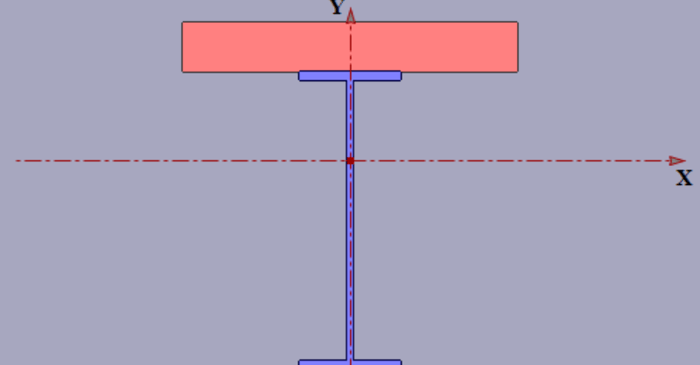
Modeling built-up or composite sections can easily be done in RISASection. Because the properties of such a section are computed using a weighted summation of the transformed shape properties, RISASection uses a Property Multiplier to specify the relative weight of a single shape in a built up...
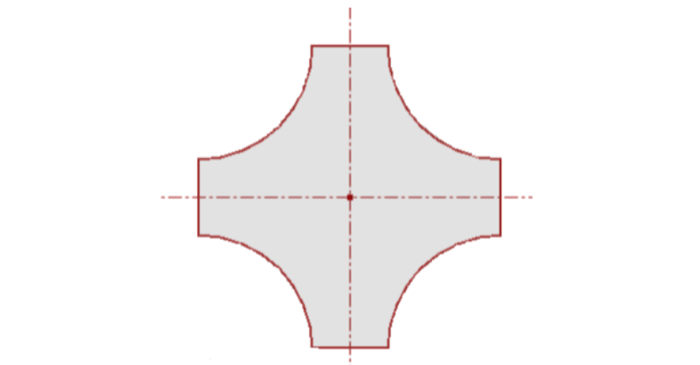
In order to model built-up or composite sections, RISASection includes the Property Multiplier, an input value which specifies the relative weight of the shape’s modulus of elasticity to that of the overall section. This value can also be used to model a void or a hole in the shape.