Tips & Tricks

December 29, 2025

What’s New for IBC 2024 in RISA: A Closer Look

With RISA’s latest release of RISA-3D v23.0.1, we’re continuing to expand support for IBC 2024, helping engineers stay aligned with the latest building code requirements as adoption accelerates across the U.S.—including federally funded projects. This release builds on v23.0.0 ASCE 7-22 enhancements and adds key material design updates that move RISA further into full IBC 2024 compliance. New Material Design Updates Supporting IBC 2024 The upcoming release introduces several important design code updates referenced by IBC 2024, including: Steel Seismic design per AISC 341-22 Prequalified connections per AISC 358-22 Continued support for AISC 360-22 (16th Edition) steel design Ongoing updates to the hot-rolled shape database, including compatibility with both 15th and 16th Edition steel manuals These updates support modern seismic detailing requirements and ensure consistency with current steel industry standards. Masonry Masonry design per TMS 402-22, aligning with the latest strength and serviceability provisions adopted by IBC 2024. Key updates include: Revisions to shear design equations, including clarified definitions of shear area as outlined in Table 4.4.5, improving consistency and transparency in shear capacity calculations. Updated strength reduction factors for flexure and combined flexure + axial. Unlike previous editions that used a fixed ϕ-factor of 0.9, TMS 402-22 introduces tension-controlled,…

Read More

Experience RISA-3D v21 User Interface Enhancements
February 27, 2023

Experience RISA-3D v21 User Interface Enhancements

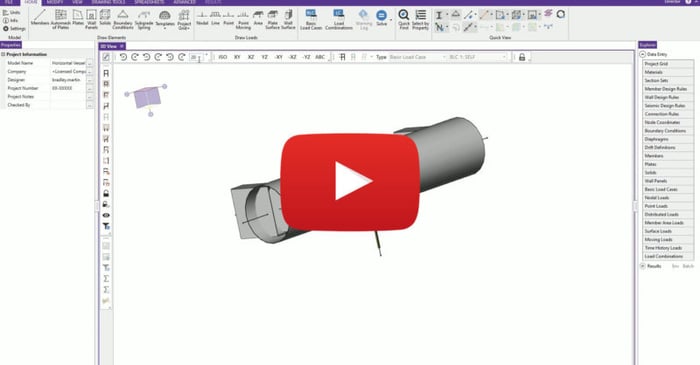
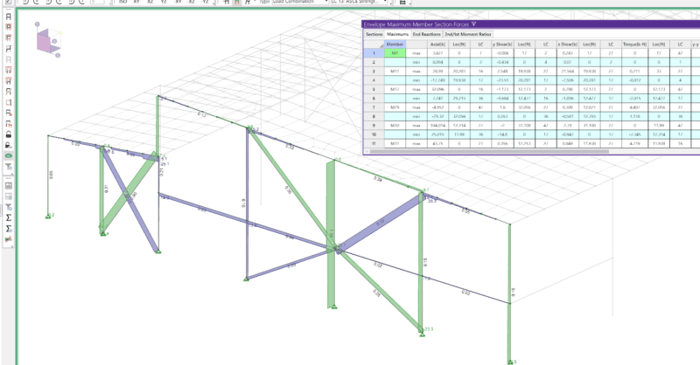
RISA-3D v21 now offers a modern user interface that allows users to more easily utilize the tools and features that make RISA-3D great. RISA-3D's latest interface has engineers' workflow in mind. With an updated interface to match the Windows 11 update, users will experience greater ease of use...
Read More
Enhanced Rotation Tools in RISA-3D
February 15, 2022

Enhanced Rotation Tools in RISA-3D

RISA-3D Version 20 includes enhanced rotation tools which allow the user to better control their view of the structure. Users can now utilize click to rotate buttons about each axis (X, Y and Z) as well as define the rotation angle of each click/increment. For more information about these enhanced...

Read More
Easily view specific data using Viewer Mode in RISA-3D
February 15, 2022

Easily view specific data using Viewer Mode in RISA-3D

RISA-3D is a robust tool for the analysis and design of a variety of different structures. Whether users are creating simple or incredibly complex models, the need to be able to easily review precise results and create corresponding screenshots is paramount. As a result, RISA-3D Version 20 now...

Read More
Customizing the RISA-3D View Toolbar
February 15, 2022

Customizing the RISA-3D View Toolbar

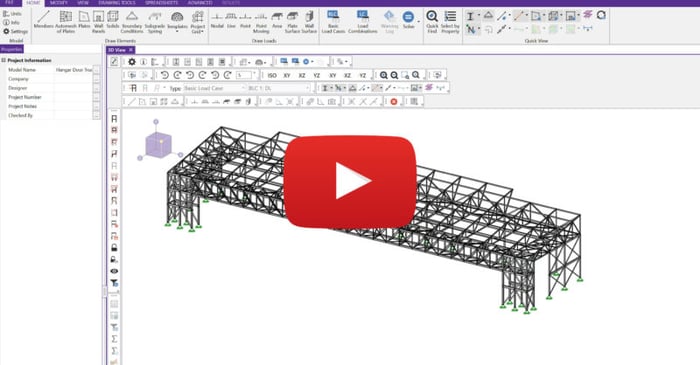
RISA-3D Version 20 now includes the ability to customize the view toolbar in a variety of ways, giving users more control over the interface and quicker access to the features they use most often. New features include custom "bins" with shortcut buttons, saved UI templates and "classic" mode. For...

Read More
Increased Visibility through Colorization in ADAPT-Builder
January 1, 2021

Increased Visibility through Colorization in ADAPT-Builder

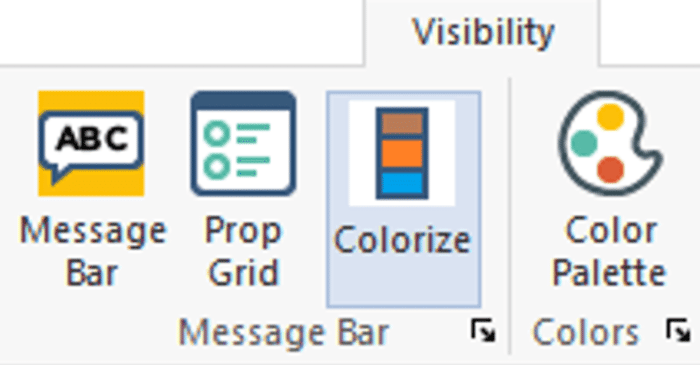
ADAPT-Builder 2020 now includes a new Colorization option that can be used to visually inspect the model components by property. The Colorize window is a docked window, that applies unique color shading to user-selected components based on user selected properties. In addition, the user can use the...

Read More
Increased Efficiency of Selection with Property Grid in ADAPT-Builder
January 1, 2021

Increased Efficiency of Selection with Property Grid in ADAPT-Builder

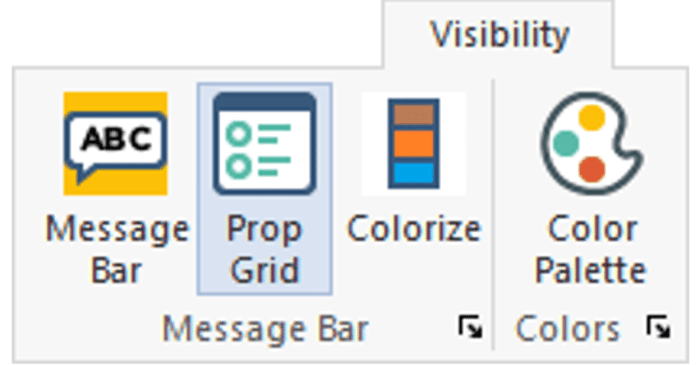
The Properties Grid is a new improvement to the user-interface for ADAPT-Builder v20. The Properties Grid is a docked window, that facilitates user efficiency when modifying a single component or a selection of components. In addition, the user can use the property grid to filter-select components....

Read More