 By: Admin
How to Model With Stem Walls in RISAFoundation
New in RISAFoundation V7 is a Stem Wall element. This element would be drawn on a slab element for the purpose of transferring wall loads into the...

Try the Complete RISA Suite for
10 Days FREE

RISA Education

Video Library

Online Help

Get Support

About Us
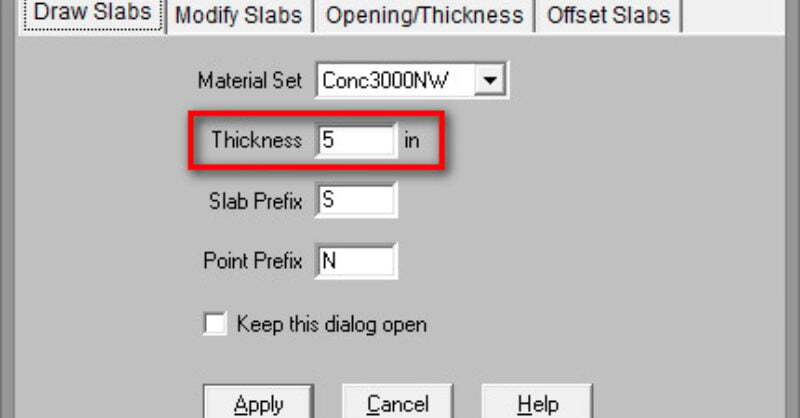
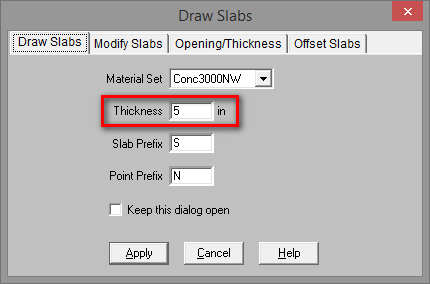
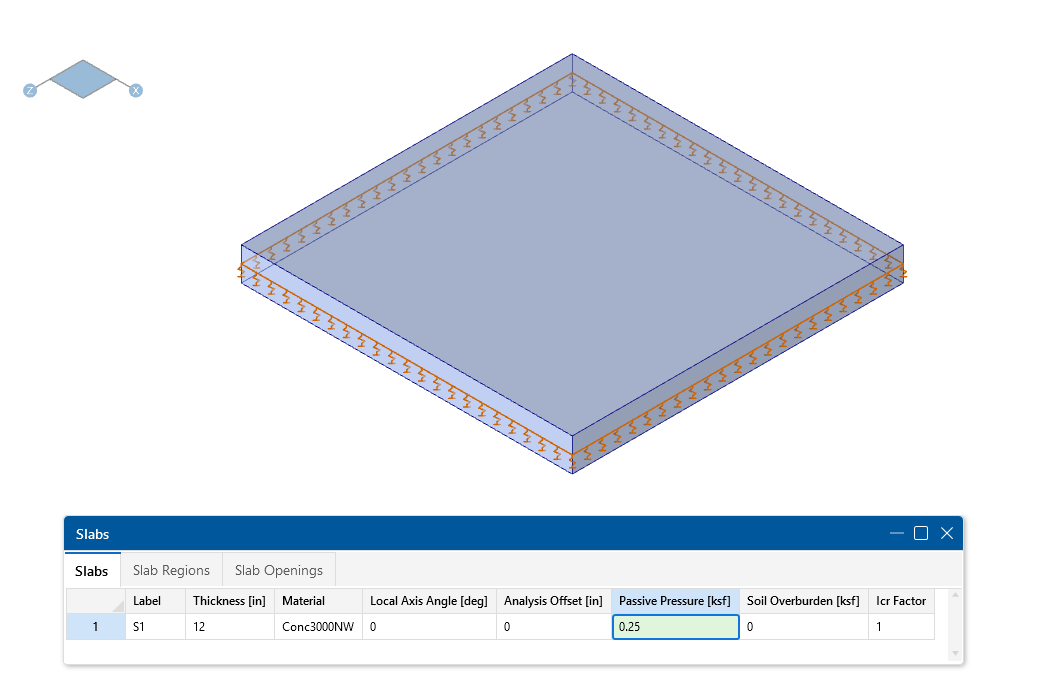
RISAFoundation was originally created as mat slab design software, but with some tweaks in the latest version (v6.0) it is now useful for slab on grade design as well. To get a design for slab on grade simply draw a slab element which has the appropriate thickness:
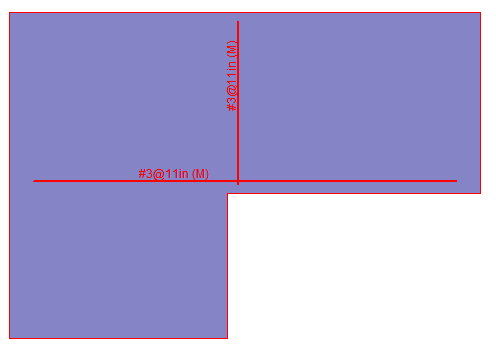
When defining the Design Rule for the Design Strips, be sure to use the Mid-Depth Only rebar option. This is as opposed to having two layers of rebar (top and bottom) within the slab. When choosing this option RISAFoundation will place a single layer of rebar at the middle of the slab.

Be sure to use a reasonable bar size, and the software will automatically determine the required spacing to meet strength requirements for the slab.
New in RISAFoundation V7 is a Stem Wall element. This element would be drawn on a slab element for the purpose of transferring wall loads into the...
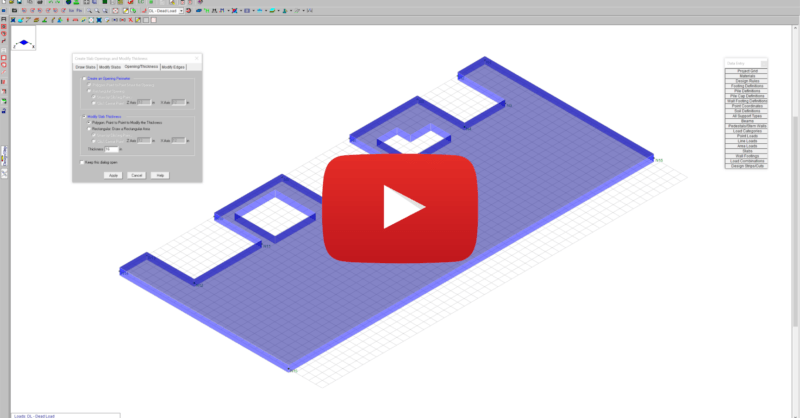
This video shows how slab modifications can used to add an opening or change the thickness of a portion of the slab in RISAFoundation.
In this video, we’ll take a look at the modeling and analysis of a mat slab in RISAFoundation. We’ll specify design parameters and soil properties...