


 By: RISA
Seismic Brace Connection Integration with RISA-3D
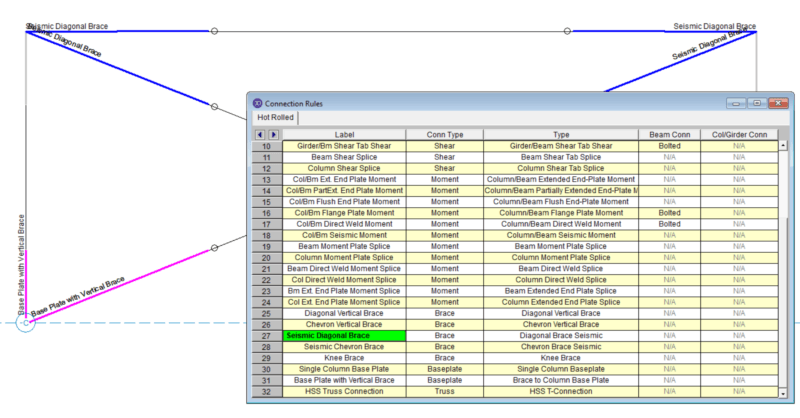
RISAConnection version 6.0 has introduced the ability to design...
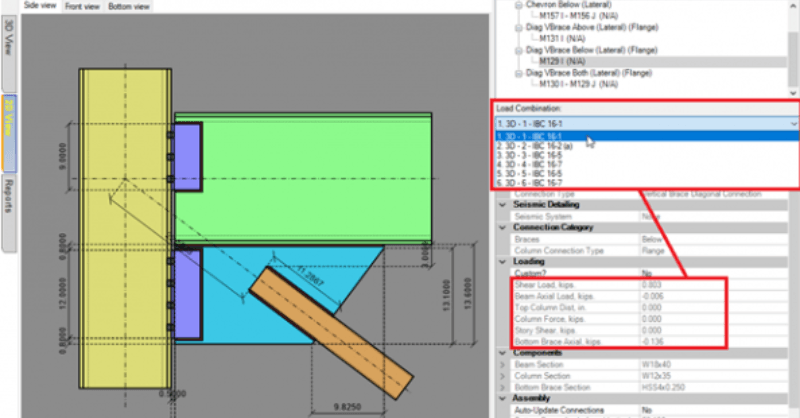
RISAConnection v7.0.1 includes the option for customized loading in an integrated RISAConnection model. If you have used RISA-3D or RISAFloor to export connection rules for design in RISAConnection, they also exported over the forces per the solved load combinations.
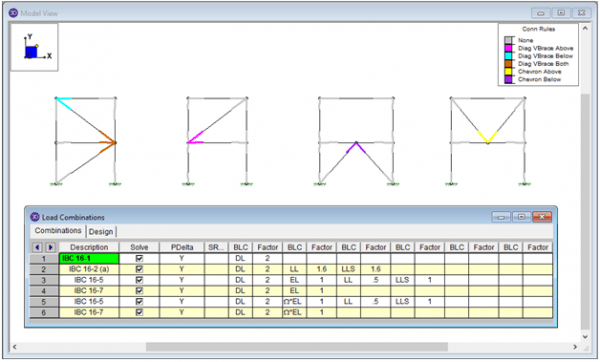
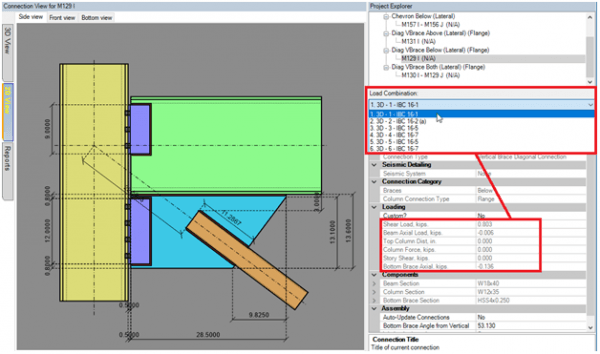
Now, if you want to use different loading, or manually adjust the loads to reflect a minimum load, you can set the new “Custom Load” flag to “Yes” and then change the load magnitudes.
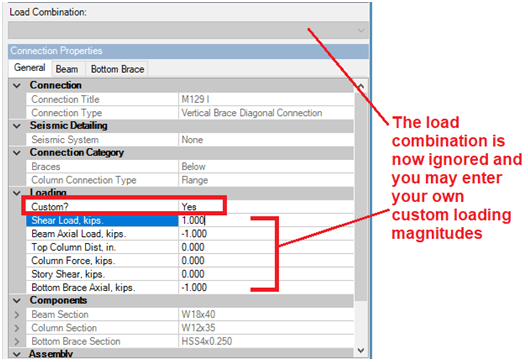
If you ever want to change back to the load magnitudes per the RISA-3D or RISAFloor load combinations, just change the “Custom Load” flag back to “No” and your load combination loads will automatically fill back in.
RISAConnection version 6.0 has introduced the ability to design...

You can use the full library of international shapes inside of...
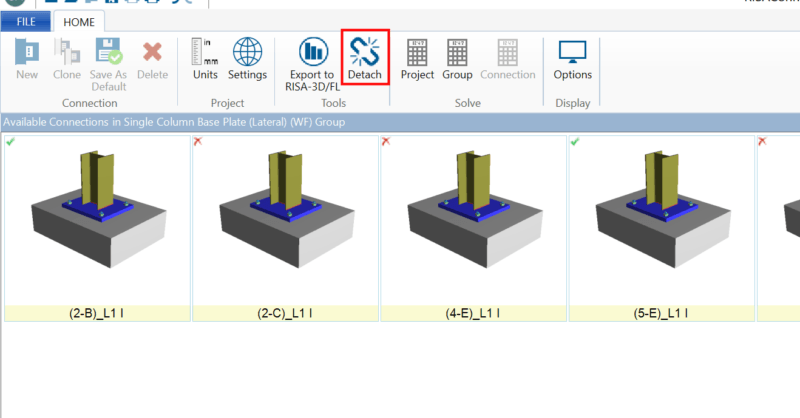
RISAFloor, RISA-3D, and Revit can export connection rule and loading...