


 By: RISA

How to export a model to DXF
RISAFloor, RISA-3D, and RISAFoundation all allow the user to export a...
In RISA-3D and RISAFloor, the entire NDS species list is available as well as glulam materials but you may need to design a wood product that is not available in the program.
You can create any wood material that is not part of the default wood materials available in RISA-3D or RISAFloor by opening the Custom Wood Species database found on the Advanced tab.

The dialogue will open and you can see that several custom wood species already exist.
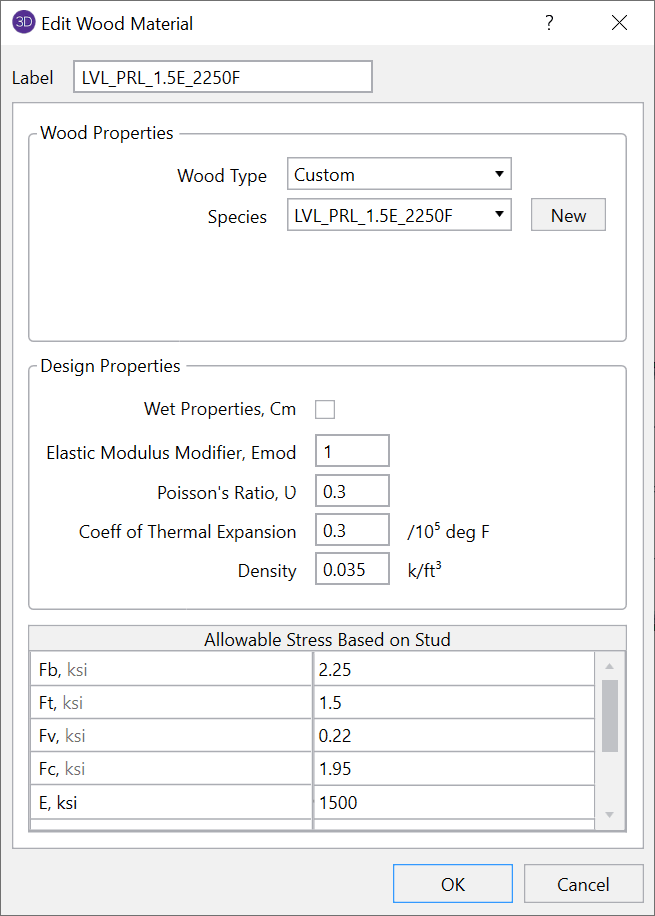
To create a new wood species, simply click "New" and enter the properties of the new wood species.
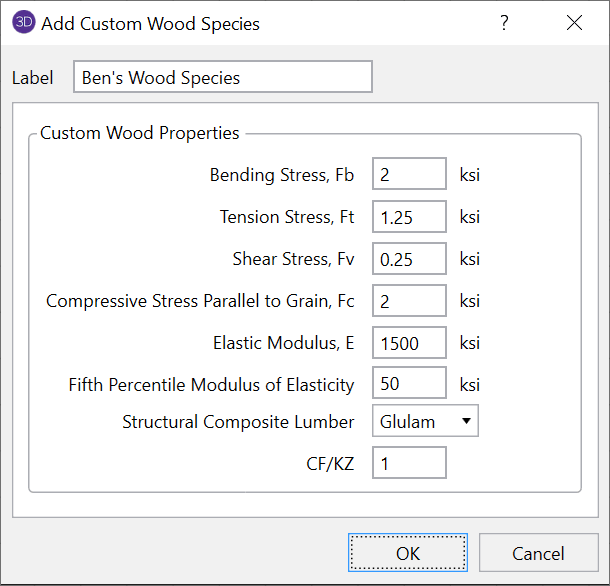
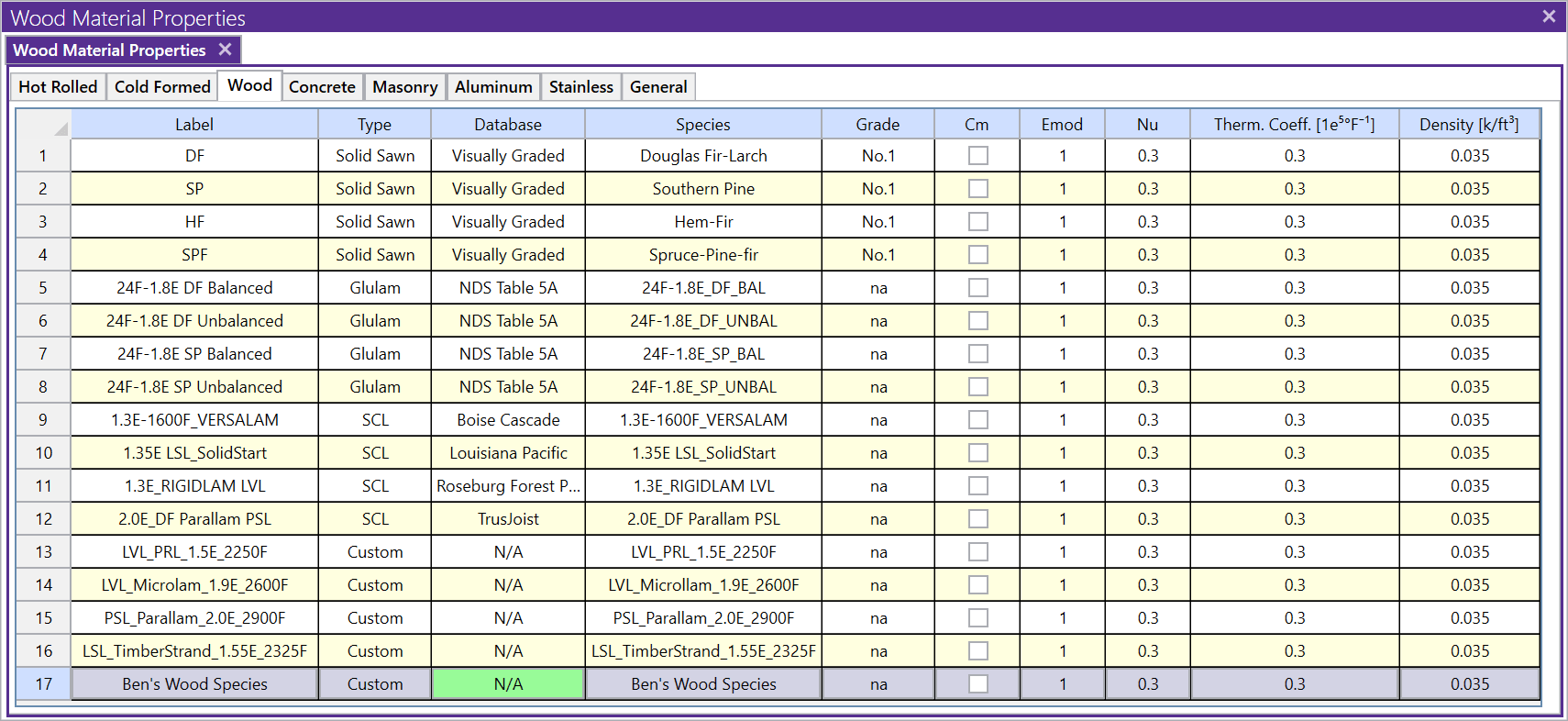
Once the material is added, you will now see this new material available in the Material spreadsheet.

RISAFloor, RISA-3D, and RISAFoundation all allow the user to export a...
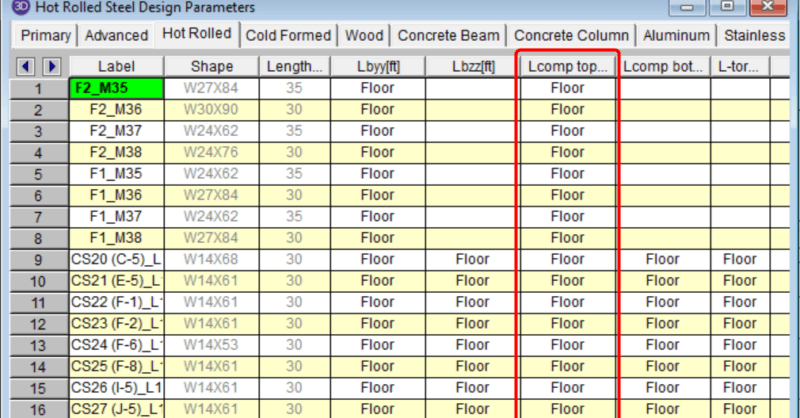
In a RISAFloor model the columns and beams can be assigned unbraced...
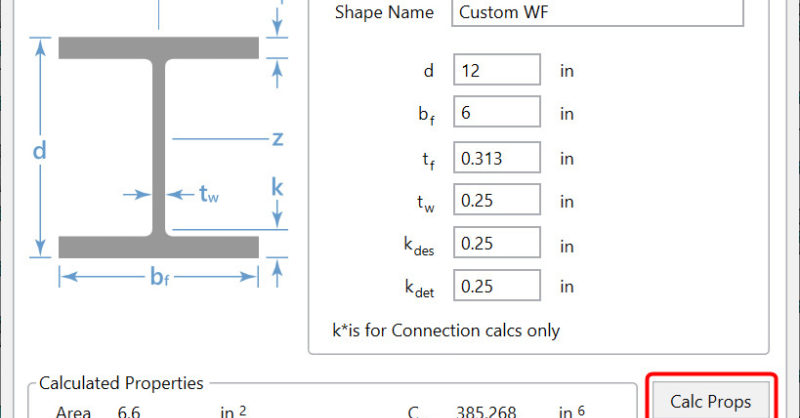
There are multiple options in RISA-3D and RISAFloor to create a custom...