


 By: RISA
Nesting Load Combinations
The Load Combinations spreadsheet in RISA-3D is limited to ten columns...
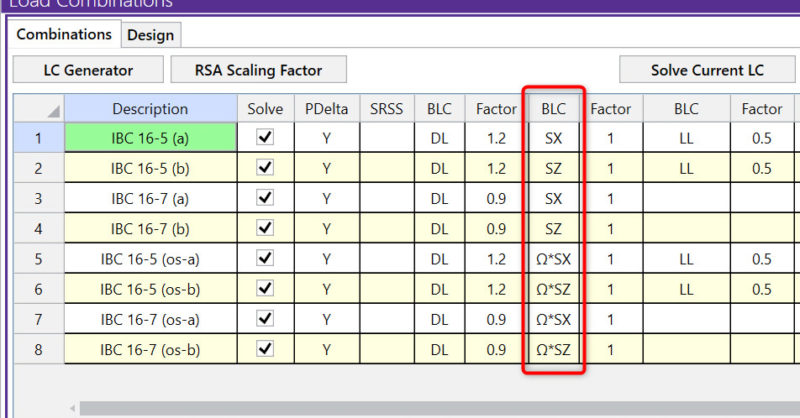
The Load Combination Generator in RISA-3D can now include earthquake loads in load combinations to reflect Response Spectra Analysis.
The Load Combination Generator is available when the Load Combination spreadsheet is open. Just click on the ‘LC Generator’ button found at the top of the spreadsheet. Under Seismic tab, select ‘X and Z RSA’ for both Seismic Load Options and Overstrength LC Options.

Select Generate and the load combinations from the relevant code and region will appear in the Load Combination spreadsheet with the Response Spectra Results.


The Load Combinations spreadsheet in RISA-3D is limited to ten columns...
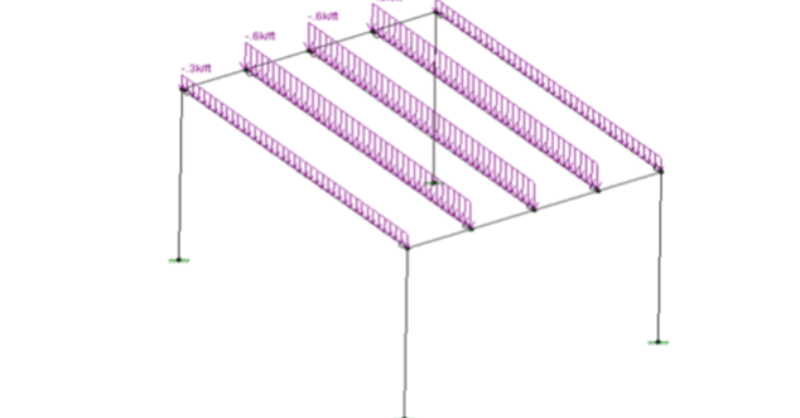
After solving a model with Member Area Loads, RISA-3D will...

RISA-3D, RISAFloor and RISAFoundation allow users to create custom load...