How to Model With Stem Walls in RISAFoundation
New in RISAFoundation V7 is a Stem Wall element. This element would be drawn on a slab element for the purpose of transferring wall loads into the...

Try the Complete RISA Suite for
10 Days FREE

RISA Education

Video Library

Online Help

Get Support

About Us
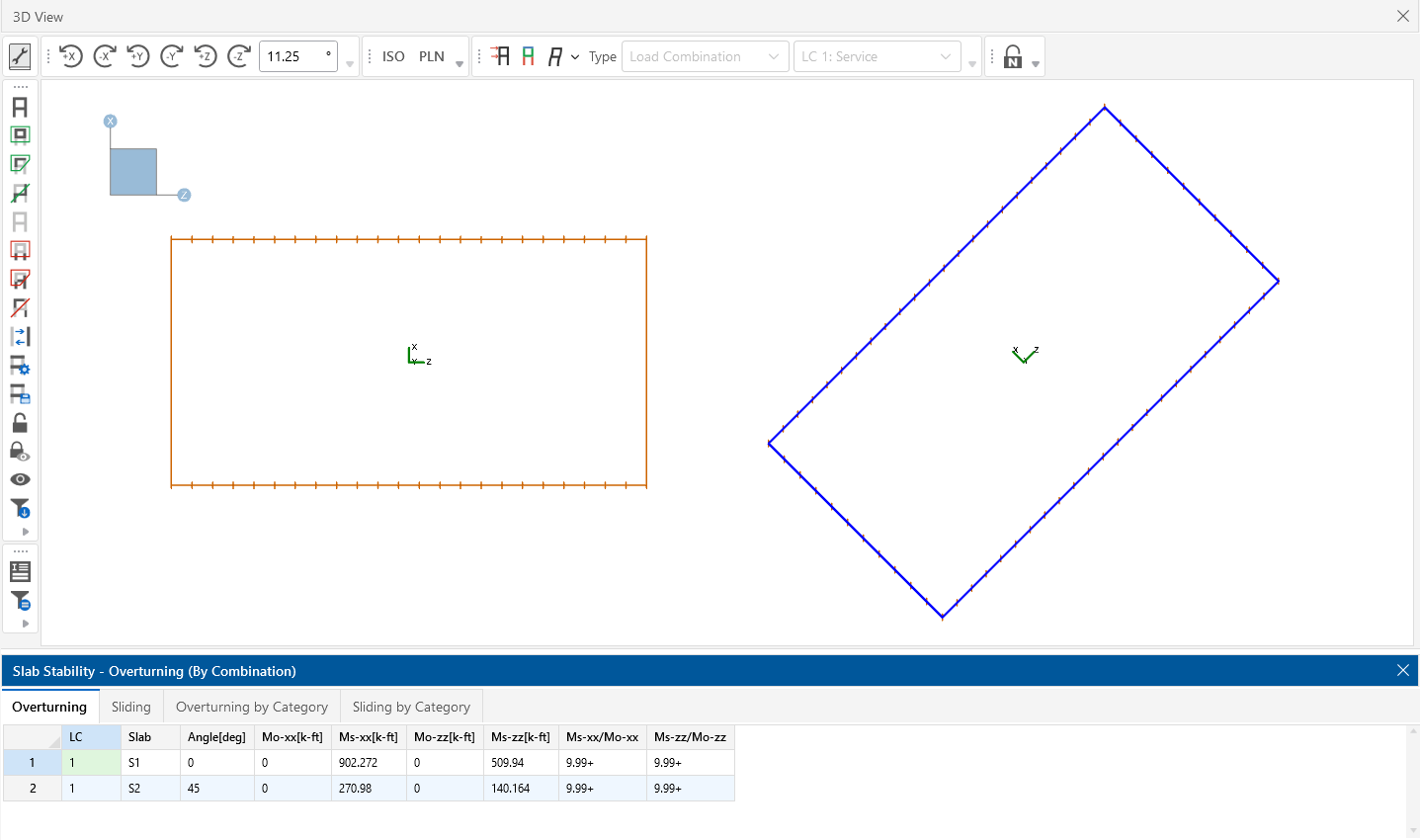
RISAFoundation has the ability to change the Local Axes for slabs. This is useful when you have a slab that is skewed from the global axis. RISAFoundation will perform the sliding and overturning checks based on the skewed local axis.

You can access this ability from the Slabs spreadsheet and from the Slab's Properties dialog:

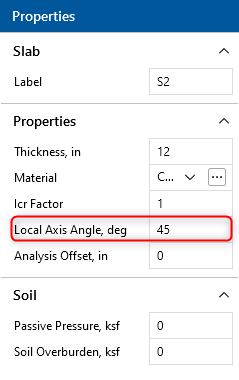
With this capability you can change this axis so that the results can be more flexible to your structure’s layout and geometry.

New in RISAFoundation V7 is a Stem Wall element. This element would be drawn on a slab element for the purpose of transferring wall loads into the...
RISAFoundation was originally created as mat slab design software, but with some tweaks in the latest version (v6.0) it is now useful for slab on...
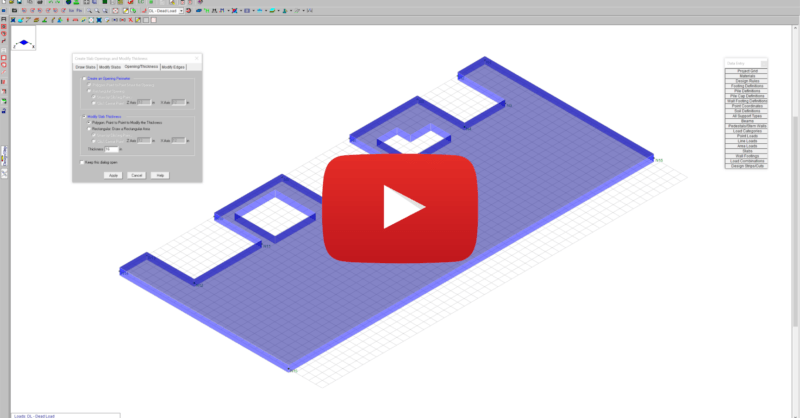
This video shows how slab modifications can used to add an opening or change the thickness of a portion of the slab in RISAFoundation.