 By: Admin
How to Define Steel Connections in RISAFloor & RISA-3D
One of the advantages of the RISA Building System is the ability to utilize and share model information (geometry, loading, etc.) between software...

Try the Complete RISA Suite for
10 Days FREE

RISA Education

Video Library

Online Help

Get Support

About Us
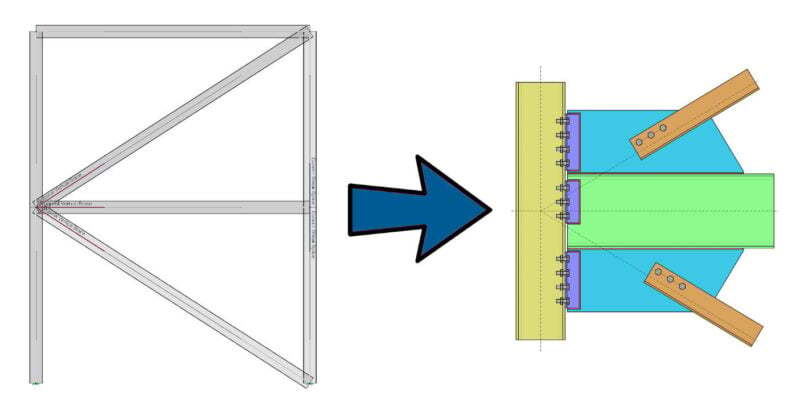
Steel connections can be designed from within RISA-3D using the integration with RISAConnection. Before you start your connection design, you’ll need to define the type of connection and assign the connections to the beams. Just follow these steps in the RISA-3D model:
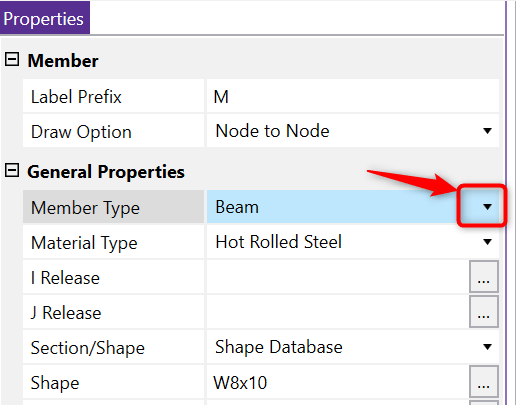
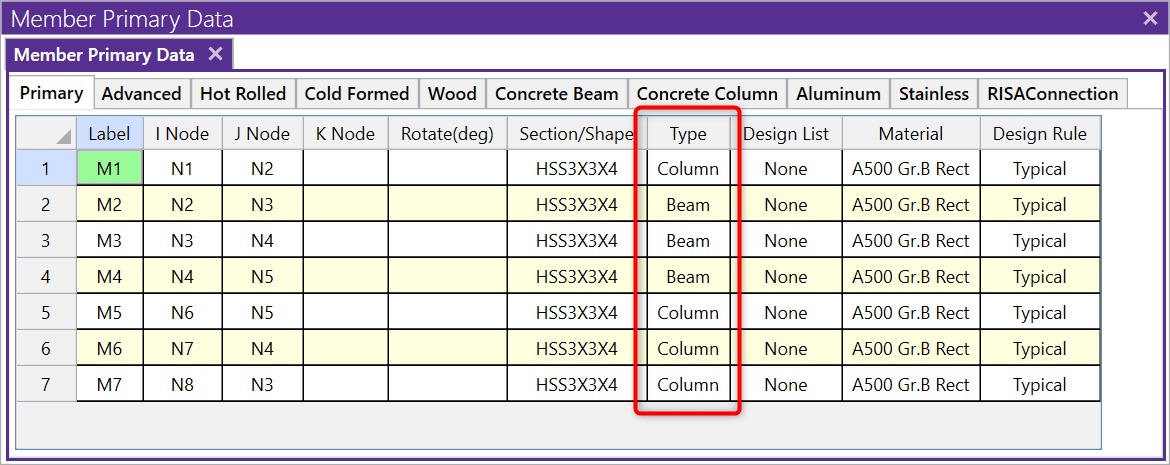
You can define the member type (Column, Beam, Vbrace or HBrace) when you draw the member or you can modify it within the Members spreadsheet.
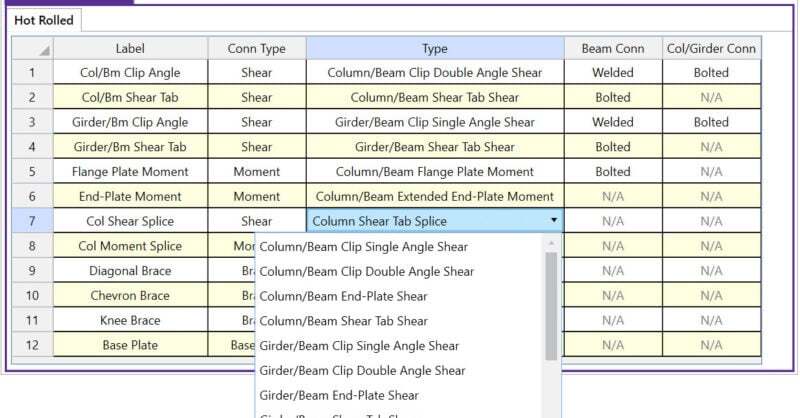
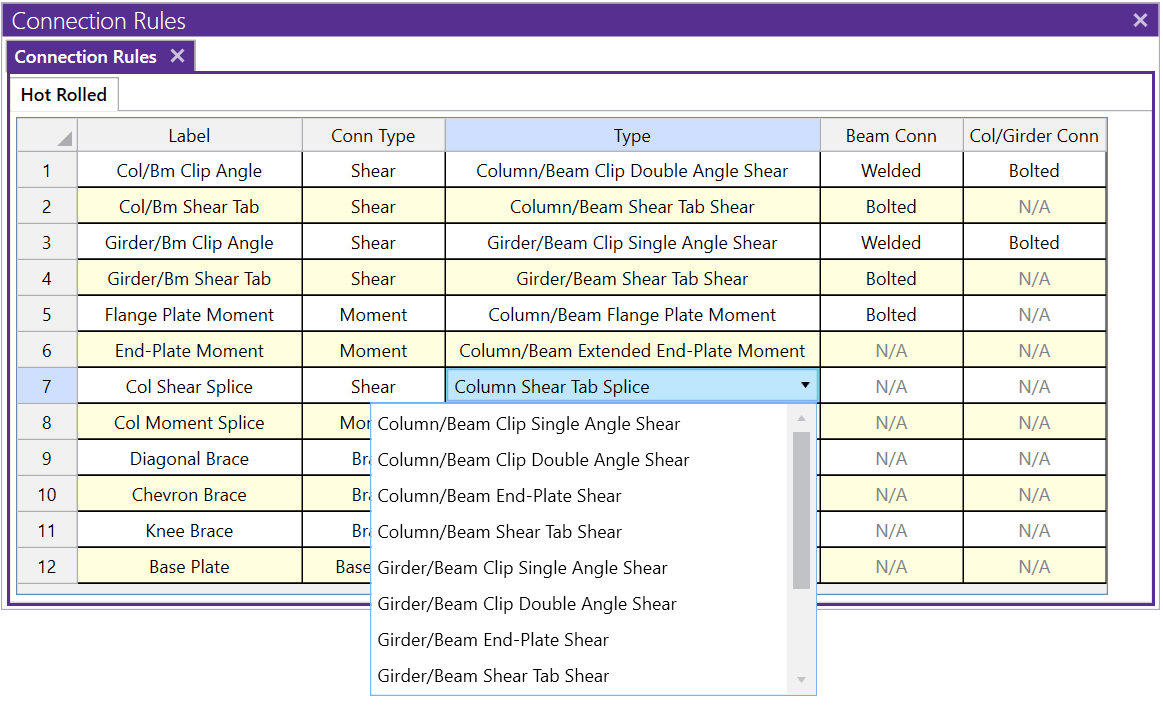
The program is automatically loaded with default connection types or you can create more by pressing enter at the bottom of the Connection Rule spreadsheet.
You can assign the Connection Rules graphically by selecting all beams using the Select by Property tool, then make the changes to the RISAConnection Properties within the Properties Panel
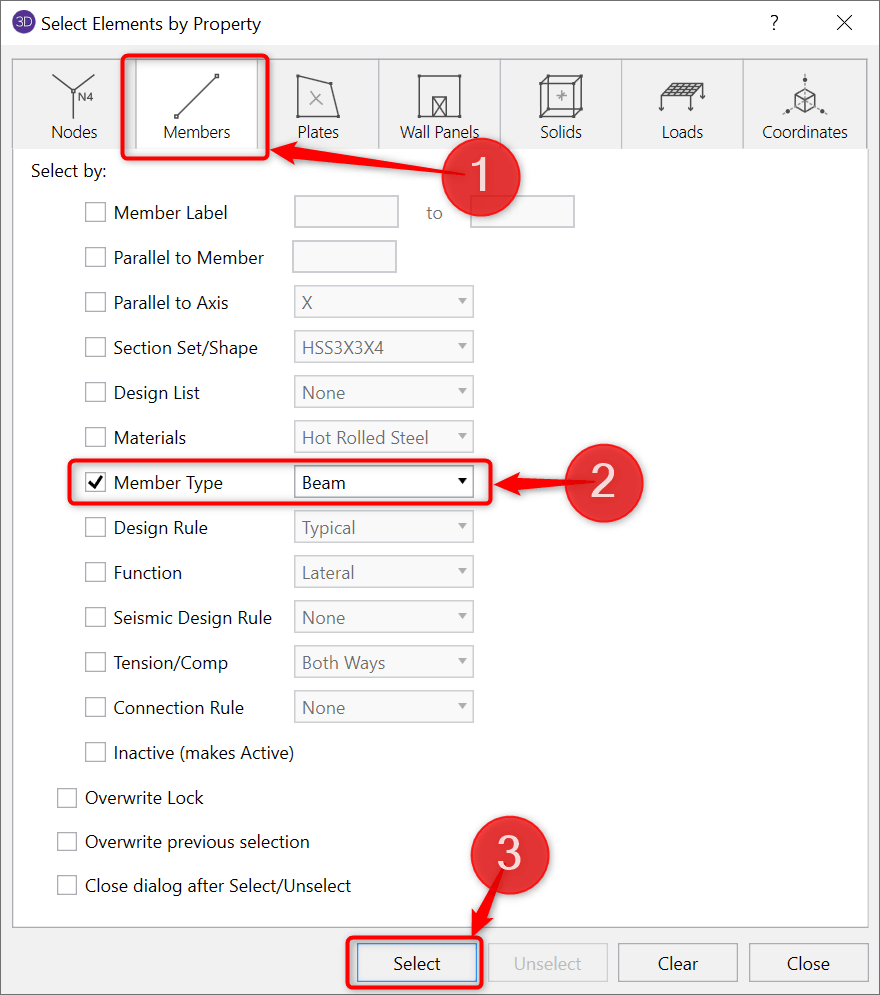
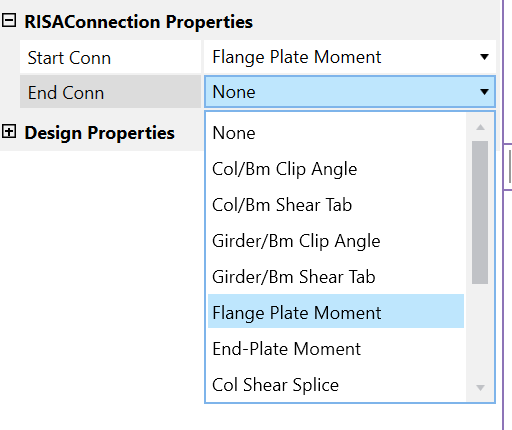
Or in the Members spreadsheet (on the RISAConnection tab) you can define the Start Conn and End Conn:
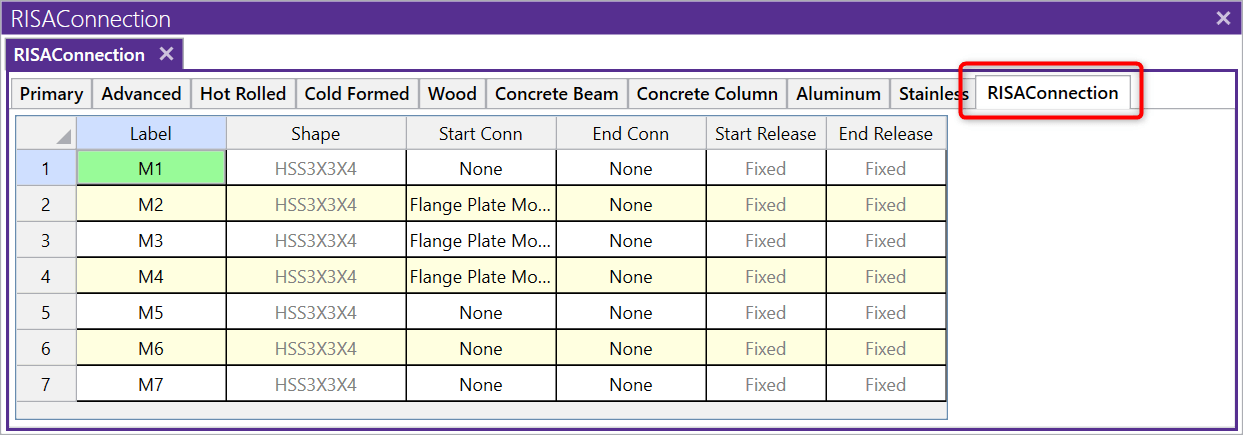
Note: You only need to apply the Connection Rules to the beams; not the columns.
You can solve a single load combination or a batch Solution.
One of the advantages of the RISA Building System is the ability to utilize and share model information (geometry, loading, etc.) between software...
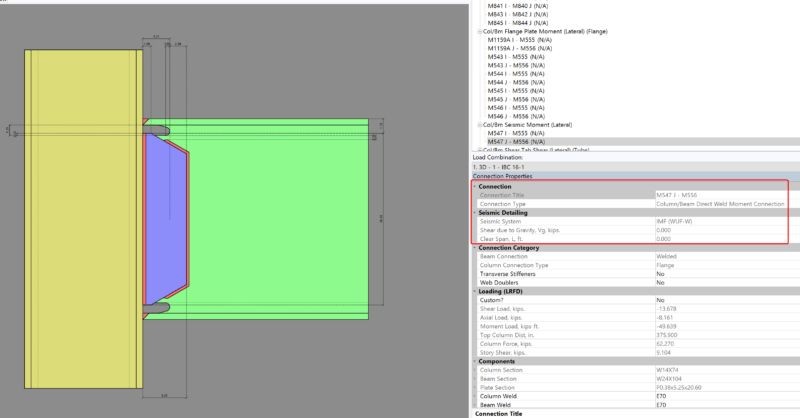
Design for seismic connection detailing is now available in RISAConnection and you can use the connection rules within RISAFloor and RISA-3D to...
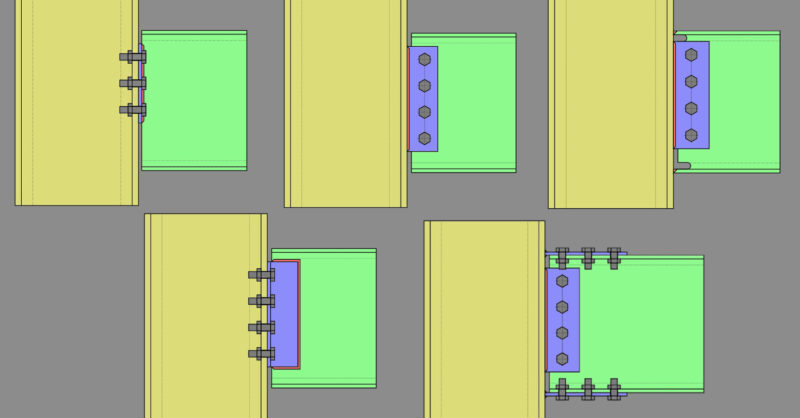
Member Configuration The connection rule must be applied at the end of the beam (not the column).