Tips & Tricks

December 29, 2025

What’s New for IBC 2024 in RISA: A Closer Look

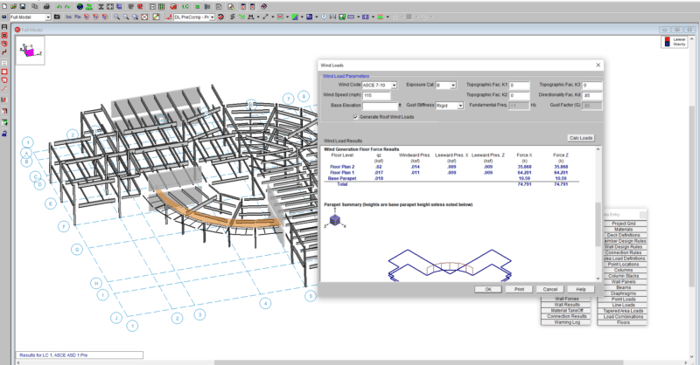
With RISA’s latest release of RISA-3D v23.0.1, we’re continuing to expand support for IBC 2024, helping engineers stay aligned with the latest building code requirements as adoption accelerates across the U.S.—including federally funded projects. This release builds on v23.0.0 ASCE 7-22 enhancements and adds key material design updates that move RISA further into full IBC 2024 compliance. New Material Design Updates Supporting IBC 2024 The upcoming release introduces several important design code updates referenced by IBC 2024, including: Steel Seismic design per AISC 341-22 Prequalified connections per AISC 358-22 Continued support for AISC 360-22 (16th Edition) steel design Ongoing updates to the hot-rolled shape database, including compatibility with both 15th and 16th Edition steel manuals These updates support modern seismic detailing requirements and ensure consistency with current steel industry standards. Masonry Masonry design per TMS 402-22, aligning with the latest strength and serviceability provisions adopted by IBC 2024. Key updates include: Revisions to shear design equations, including clarified definitions of shear area as outlined in Table 4.4.5, improving consistency and transparency in shear capacity calculations. Updated strength reduction factors for flexure and combined flexure + axial. Unlike previous editions that used a fixed ϕ-factor of 0.9, TMS 402-22 introduces tension-controlled,…

Read More

Added Double Click Dialog for Members
September 12, 2017

Added Double Click Dialog for Members

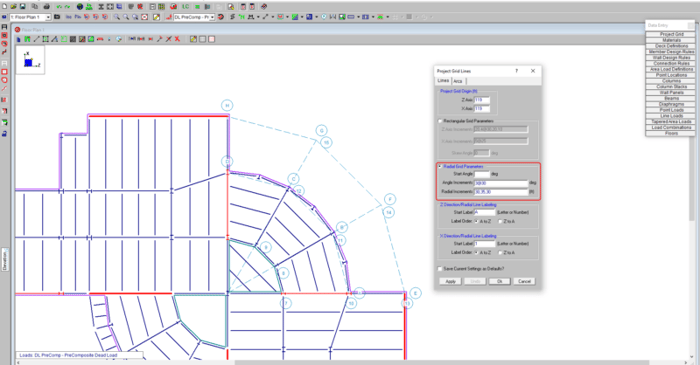
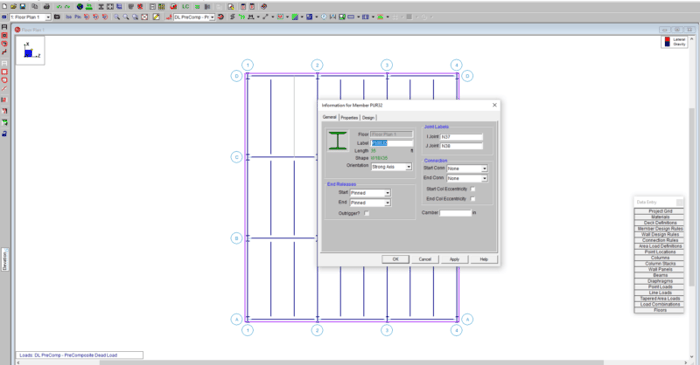
RISAFloor now has the ability to double-click a member to open the Member Information dialog. This feature has been in RISA-3D but now it is available in RISAFloor. Double click any member in your model and the Member dialog box opens. It has three tabs: General, Properties and Design.
Read More
Custom Column Strip Widths
November 16, 2016

Custom Column Strip Widths

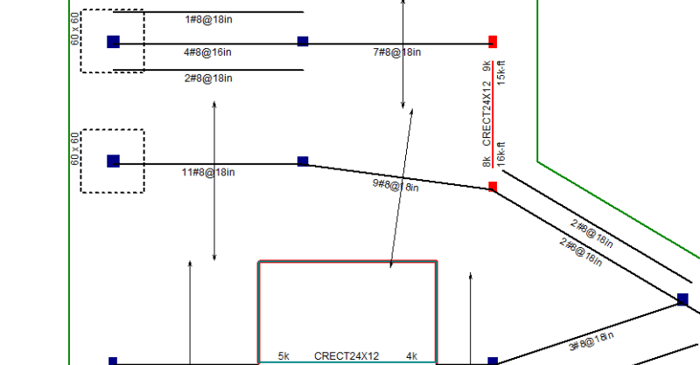
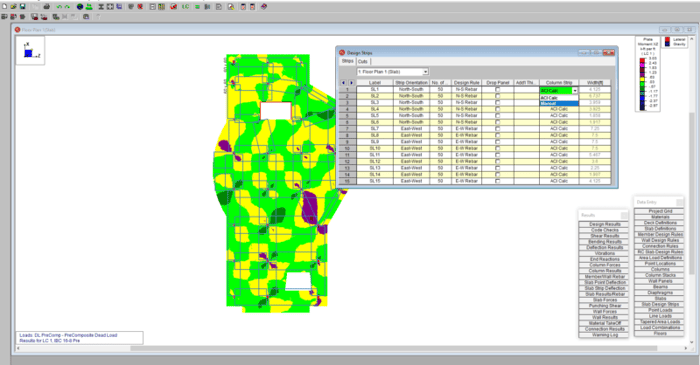
RISAFloor v11 now includes the ability to create custom column strip widths in order to optimize the design of slab reinforcement.

Read More
How to Thicken a Slab
March 3, 2016

How to Thicken a Slab

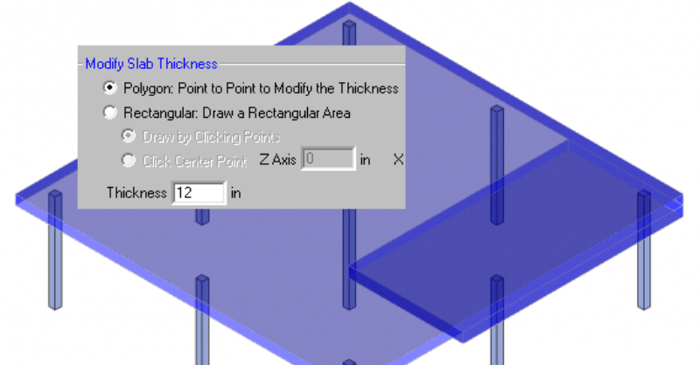
RISAFloor ES allows you to model concrete slabs of any thickness. However, there might be sections of the building that require a thicker slab. The icon is shown below and it will allow you to draw a Polygon or Rectangular shape.

Read More
How to Add a Drop Panel
February 4, 2016

How to Add a Drop Panel

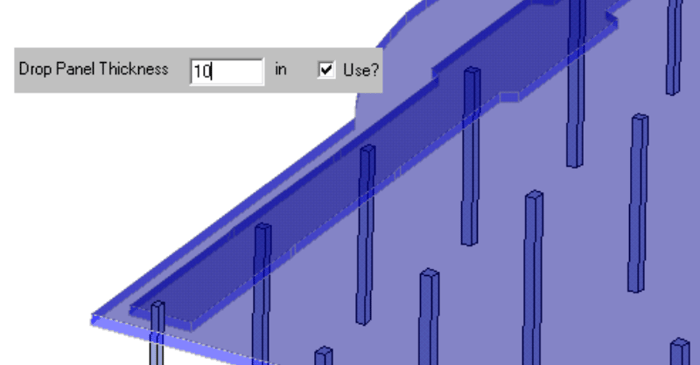
In RISAFloor ES, you can quickly thicken the slab in the column strip area with the Drop Panel tool. The column strip is typically the area of highest demand so increasing the thickness may help optimize the concrete usage.

Read More
Why Did My Reinforcing Change in ACI 318-14?
January 20, 2016

Why Did My Reinforcing Change in ACI 318-14?

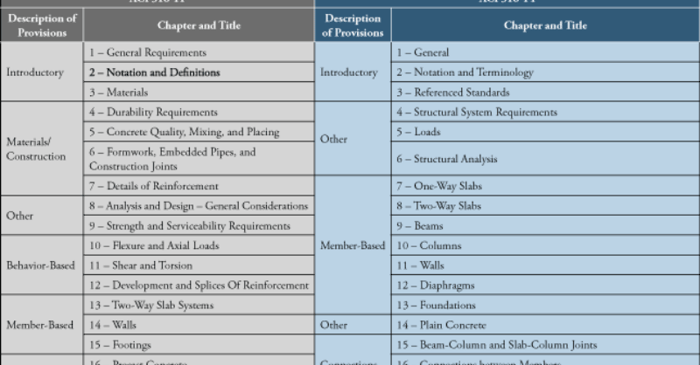
The new ACI 318-14 code has been implemented into RISA-3D V14, RISAFloor V10, and RISAFoundation V8. One of the big changes between the ACI 318-11 and the ACI 318-14 was to minimum flexural reinforcement for one-way and two-way slabs, as well as foundation elements.

Read More
How do you add Shear Caps to columns?
August 8, 2015

How do you add Shear Caps to columns?

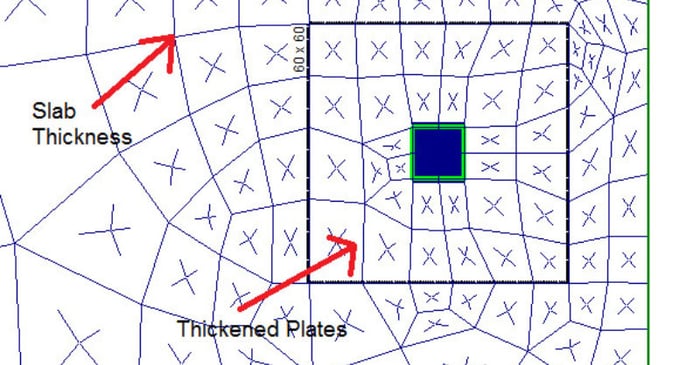
Per the ACI, you can add a Shear Cap to your column to increase the shear strength of the slab. In RISAFloor ES two-way slabs, adding a shear cap will thicken the plates around the column automatically. The Shear Cap will affect the Punching Shear and the One-Way shear calculations. As you draw the...

Read More