


July 31, 2013
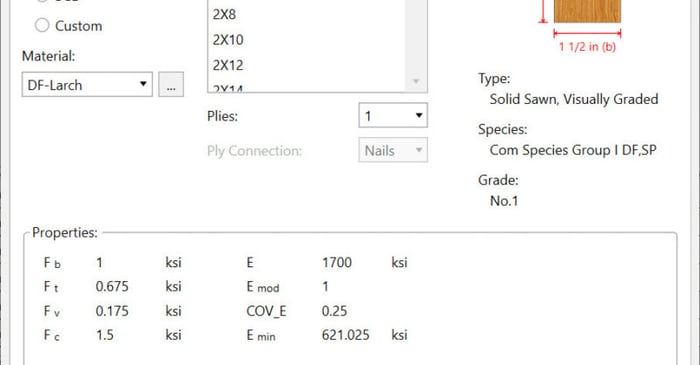
How to View Wood Design Values
We have recently added a new View Design Properties dialog to allow you to now have the ability to easily view the wood design values prior to solution.
We have recently added a new View Design Properties dialog to allow you to now have the ability to easily view the wood design values prior to solution.
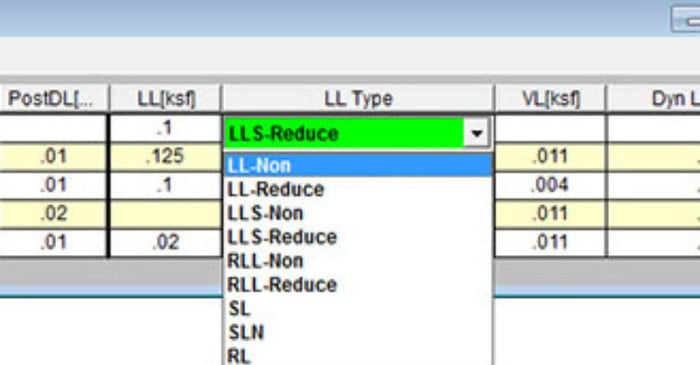
In RISAFloor, there are several different Load Categories that define Live Load. The IBC and the ASCE7 both have provisions that allow you to reduce the tributary area of the Live Loads. These codes have equations that adjust the Live load based on the tributary area and usage (KLL*AT). In...
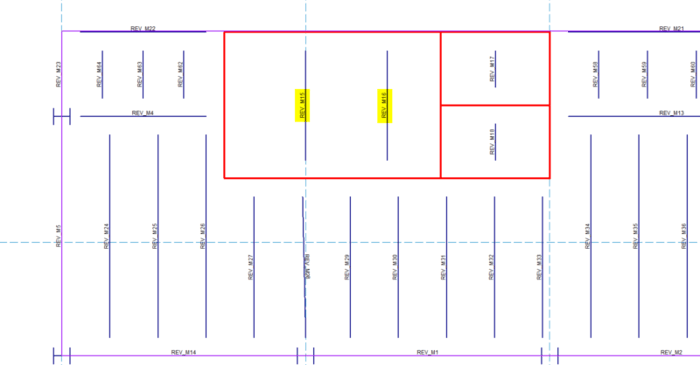
You can now customize the member and nodes names Revit uses during the export to RISA. When you export your Autodesk Revit model to RISA, the member and joint names are automatically altered with “REV” listed in front. This can helpful for you to identify that the model was created in Revit,...
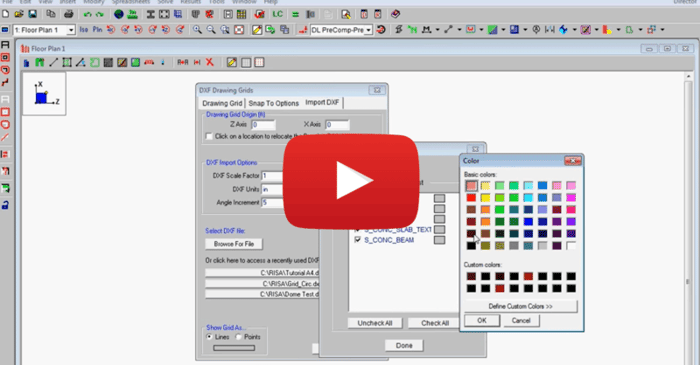
This video shows how to import a DXF as a drawing grid in RISAFloor. To do this, you can save any drawing file as a DXF file format and import points, lines, polylines, arcs and circles into RISAFloor. This gives you the ability to create your own drawing grids with complex geometries and use this...
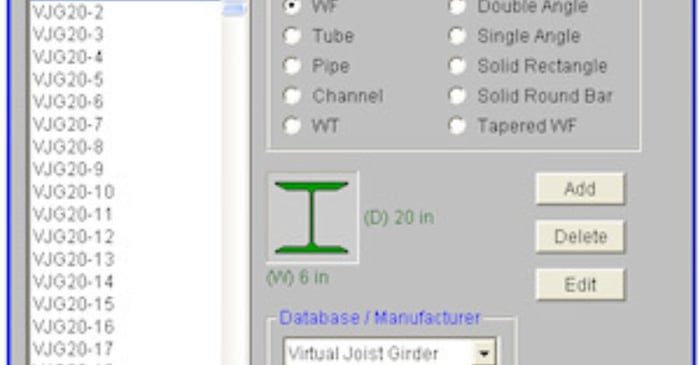
The Steel Joist Institute (SJI) has recently put together a Virtual Joist Girder table which converts common joist sizes into equivalent wide flange beams. This topic describes how to use these Virtual Joist Girders within the RISAFloor program.
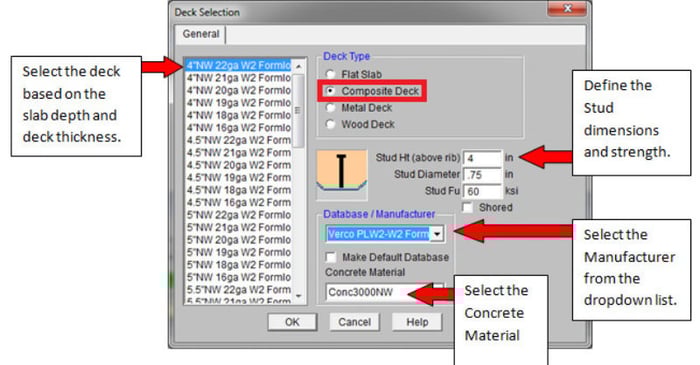
RISAFloor has some default decks provided for you when you open the program in the Deck Definitions spreadsheet. You can use one of these decks or you can create your own by going to the bottom of the spreadsheet and press ENTER.
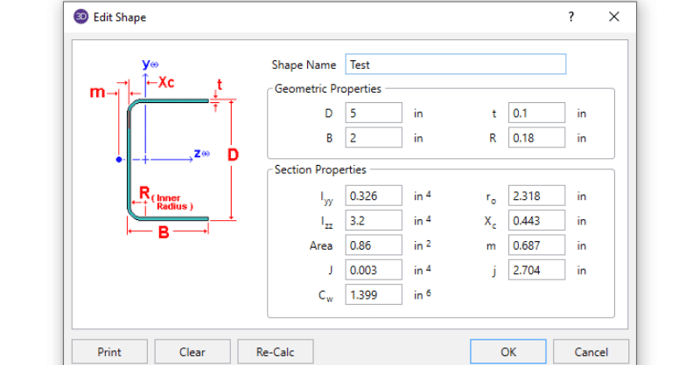
In order to get code calculations, RISA-3D and RISA-2D need to know what type of shape would be most similar to yours. This is because the program needs to use the correct code equations for your shape type.

If you want to assign joists in a framing bay with an exact spacing RISAFloor will allow you to specify which side of the bay you want the program to start the spacing measurement from. Go to the Generate Beams within Bay option from the Drawing toolbar. Select the Exact Spacing of option in the...
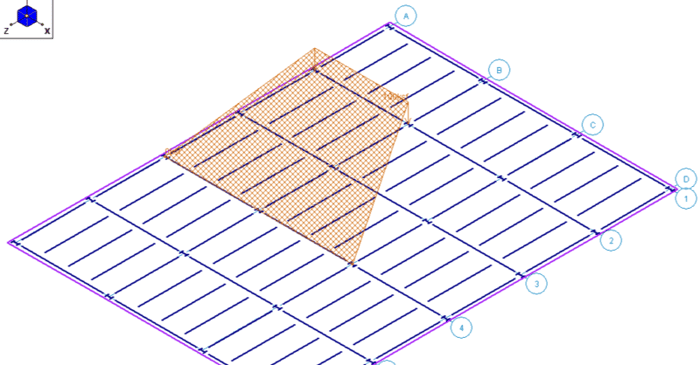
RISAFloor has the ability to apply tapered snow loads on your building’s roof to simulate drift snow loads.