June 7, 2017
Parapet Wind Loading
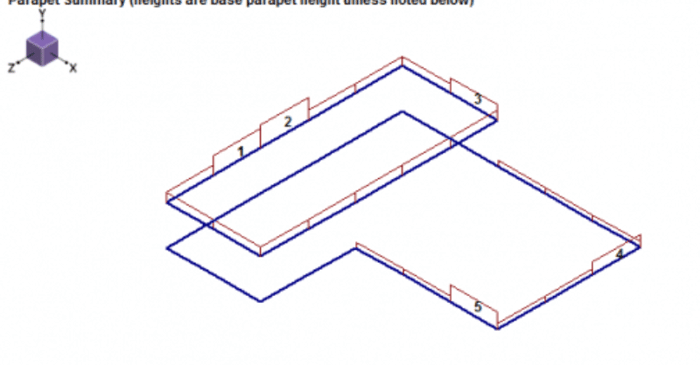
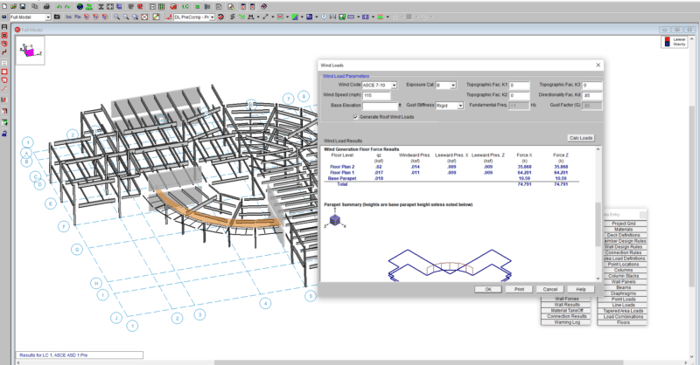
RISAFloor v11 allows users to add parapets while allowing the program to calculate the wind loads per the ASCE 7 parapet wind loading requirements.
With RISA’s latest release of RISA-3D v23.0.1, we’re continuing to expand support for IBC 2024, helping engineers stay aligned with the latest building code requirements as adoption accelerates across the U.S.—including federally funded projects. This release builds on v23.0.0 ASCE 7-22 enhancements and adds key material design updates that move RISA further into full IBC 2024 compliance. New Material Design Updates Supporting IBC 2024 The upcoming release introduces several important design code updates referenced by IBC 2024, including: Steel Seismic design per AISC 341-22 Prequalified connections per AISC 358-22 Continued support for AISC 360-22 (16th Edition) steel design Ongoing updates to the hot-rolled shape database, including compatibility with both 15th and 16th Edition steel manuals These updates support modern seismic detailing requirements and ensure consistency with current steel industry standards. Masonry Masonry design per TMS 402-22, aligning with the latest strength and serviceability provisions adopted by IBC 2024. Key updates include: Revisions to shear design equations, including clarified definitions of shear area as outlined in Table 4.4.5, improving consistency and transparency in shear capacity calculations. Updated strength reduction factors for flexure and combined flexure + axial. Unlike previous editions that used a fixed ϕ-factor of 0.9, TMS 402-22 introduces tension-controlled,…
Read More
RISAFloor v11 allows users to add parapets while allowing the program to calculate the wind loads per the ASCE 7 parapet wind loading requirements.
The new CSA O86-14 code has been implemented in RISA-3D v15.0 and RISAFloor v11.0
RISA-3D now supports hot rolled steel design for the Canadian market according to CSA S16-14.
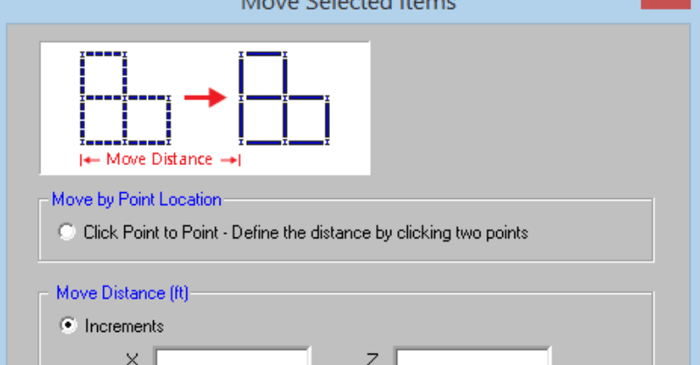
RISAFloor v11 includes the ability to re-position selected elements such as beams, columns, walls, and nodes in your model. On the Graphic Editing Toolbar, click on the Move Selected Items button to open the Move Selected Items dialog box.
These include:
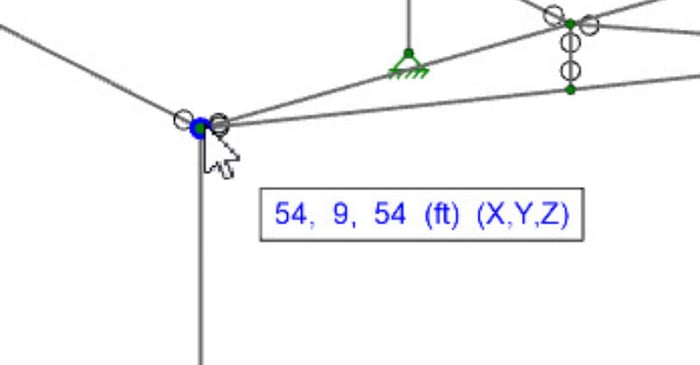
In RISA-3D, RISAFloor, and RISAFoundation the cursor now provides additional information regarding the cursor coordinates. As you move your cursor around on your screen, a box adjacent to your cursor will appear and populate with the coordinates of the cursor.
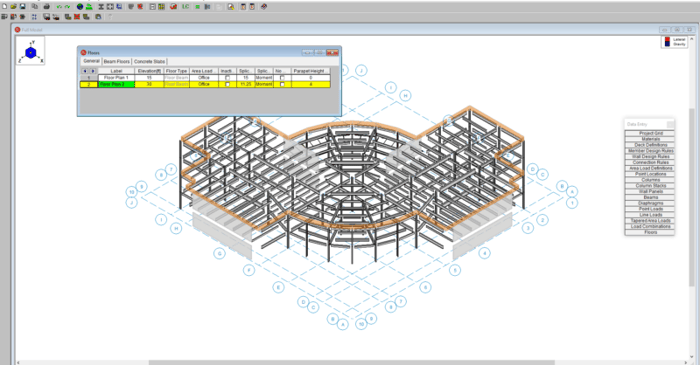
RISAFloor v11 now includes the option to add parapets and parapet loading to a building.
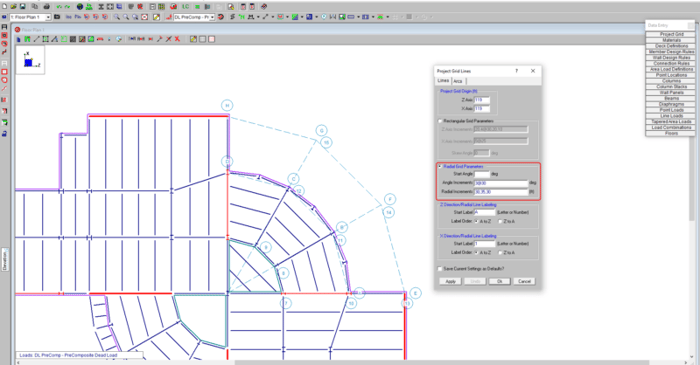
Our monthly "Structural Moment" newsletter is the best way to keep up with RISA’s product updates, new releases, new features, training events, webinars and more...